Direct Store Delivery (DSD) lives on narrow margins and fast information. Many distributors rely on QuickBooks for accounting, but still run a separate inventory tool on the side. If the two systems do not speak the same language all day, every day, data drifts and money slips away. In this post we will look at the common problems that arise when you pair generic inventory software with QuickBooks and then show how bMobile’s Inventory Management Software That Integrates with QuickBooks keeps data straight, protects cash, and saves time.
Good news: a smart bakery system crunches yesterday’s sale and tells you exactly what to mix before the first tray hits the proofer. Once you understand the Bakery Management Software Features that separate the best tools from the rest, every batch size and delivery route become an easy call. Below are the eight features that really matter, broken down in simple, no jargon terms.
Where most integrations fall short
Unreliable syncs
Generic tools often push updates on a timer or through a manual export. If the sync fails, the team may not notice until the daily close. Orders entered in the field arrive late—or not at all—leaving accounting to sort out missing transactions.
Unit-of-measure mismatches
A case in the warehouse can turn into individual units on the truck. When the conversion is not handled the same way in both systems, on-hand numbers never line up. Re-counts and write-offs follow.
Gaps in chart-of-accounts mapping
QuickBooks needs every sale, return, and adjustment to land in the right general-ledger (GL) account. If the mapping table is thin, cost of goods sold (COGS) and sales numbers appear in the wrong place and financial reports lose meaning.
Limited visibility into receivables
If the inventory app cannot pull open invoices, drivers lack current balance data. They may extend more credit to a customer who is already past due, stretching days-sales-outstanding.
Manual reconciliation work
Staff end up exporting reports from both systems, hunting for differences, and posting correcting entries. The hidden expense is labor that could have gone to route planning, purchasing, or customer service.
These issues share a root cause: the inventory platform was never designed around QuickBooks. It adds an “integration” later, often through a basic file exchange.
The bMobile approach: built for QuickBooks from day one
bMobile’s Inventory Management Software That Integrates with QuickBooks takes a different path. The connection is built into the core workflow, not bolted on. Below are five concrete gains DSD companies see after switching.
1. Reliable, real-time sync
- bMobile posts every sale, return, and payment to QuickBooks the moment the action is saved—no nightly batch.
- A built-in data audit checks each record for missing SKU numbers, customers, or GL codes and stops bad data at the door.
- If a network hiccup blocks a transfer, the system retries automatically and records the event so the back office can review it later.
Why it matters: Accounting reads the same figures the field recorded, so close time shortens and end-of-month surprises fade.
2. Accurate inventory across every location
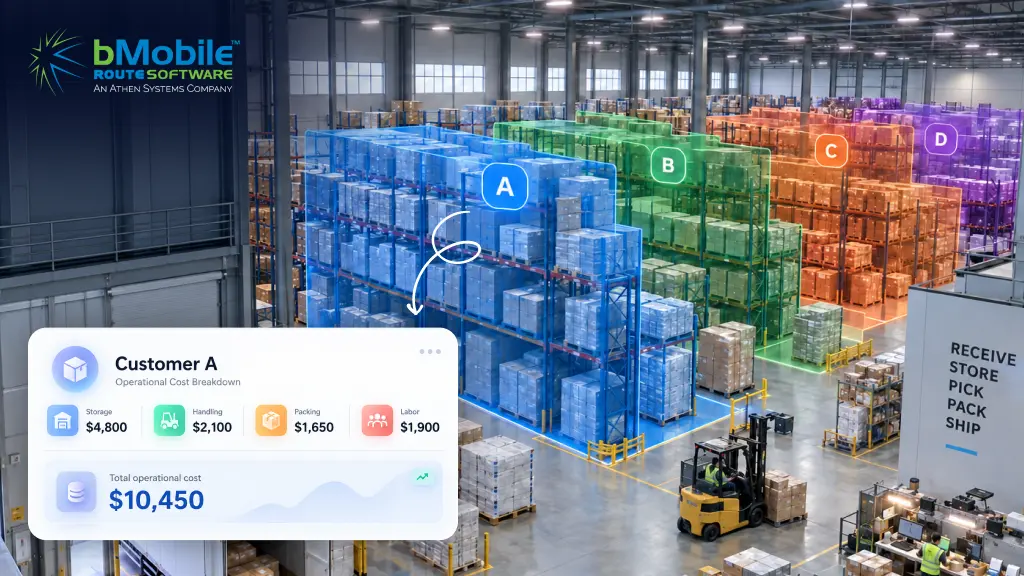
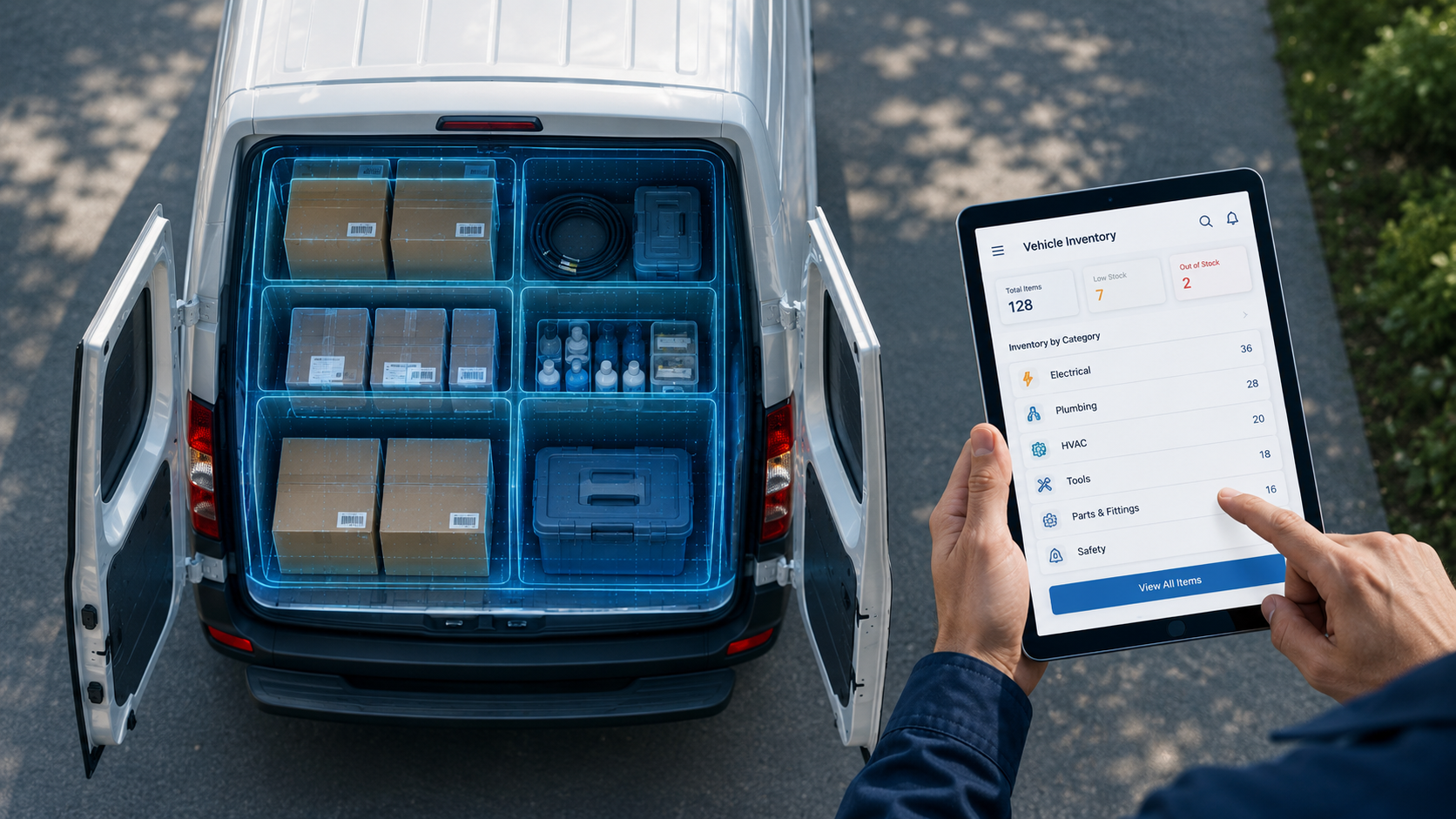
- The platform supports multiple warehouses and truck stock. Each location is mapped to a matching inventory site in QuickBooks.
- Unit-of-measure conversions stay consistent. Cases, eaches, and weight-based items remain aligned, eliminating “missing” stock.
- Transfers and adjustments follow the same rules, so moving goods between depots does not break the count.
Why it matters: Purchasing sees true on-hand numbers and can reorder with confidence, cutting safety stock without risking outages.
3. Clean financial mapping and tax handling
- Sales, returns, samples, and write-offs each post to the correct GL account. COGS calculations stay intact.
- Sales-tax codes from QuickBooks flow to the handheld, and taxable amounts return on the same reference.
- Customer credits created from returns pass back in a single transaction, keeping both ledgers in balance.
Why it matters: Financial statements stay reliable, auditors ask fewer questions, and leaders trust the gross-margin figure they see.
4. Faster cash collection
- Customer open balances sync to the driver device before every route.
- Drivers can apply payments or credits against existing invoices in the field and issue receipts on the spot.
- Partial payments update both systems immediately, preventing confusion over what is still owed.
Why it matters: Days-sales-outstanding drops, cash arrives sooner, and staff no longer re-key payment data at day’s end.
5. Simple exception handling
- Duplicate transaction checks stop a return or sale from posting twice.
- Sync failure detection flags any record that did not reach QuickBooks and provides a guided fix.
- Clear logs show the status of every transfer, so support can resolve issues without digging through export files.
Why it matters: The team spends less time troubleshooting and more time serving customers.
Putting it all together
A DSD business grows when sales activity, inventory counts, and accounting data move in lockstep. Using separate tools that “mostly” sync adds hidden labor and risk. bMobile’s Inventory Management Software That Integrates with QuickBooks removes that friction by making QuickBooks the center of its process flow. Data flows once, stays clean, and remains visible to everyone who needs it.
If your team loses hours each week reconciling two systems, consider a platform built for QuickBooks from the start. bMobile’s Inventory Management Software That Integrates with QuickBooks can show you clean numbers on day one—and keep them that way.
Ready to learn more? Let’s schedule a short demo and walk through your current workflow step by step. We’ll compare it to a single-stream process that keeps inventory and QuickBooks in perfect agreement.