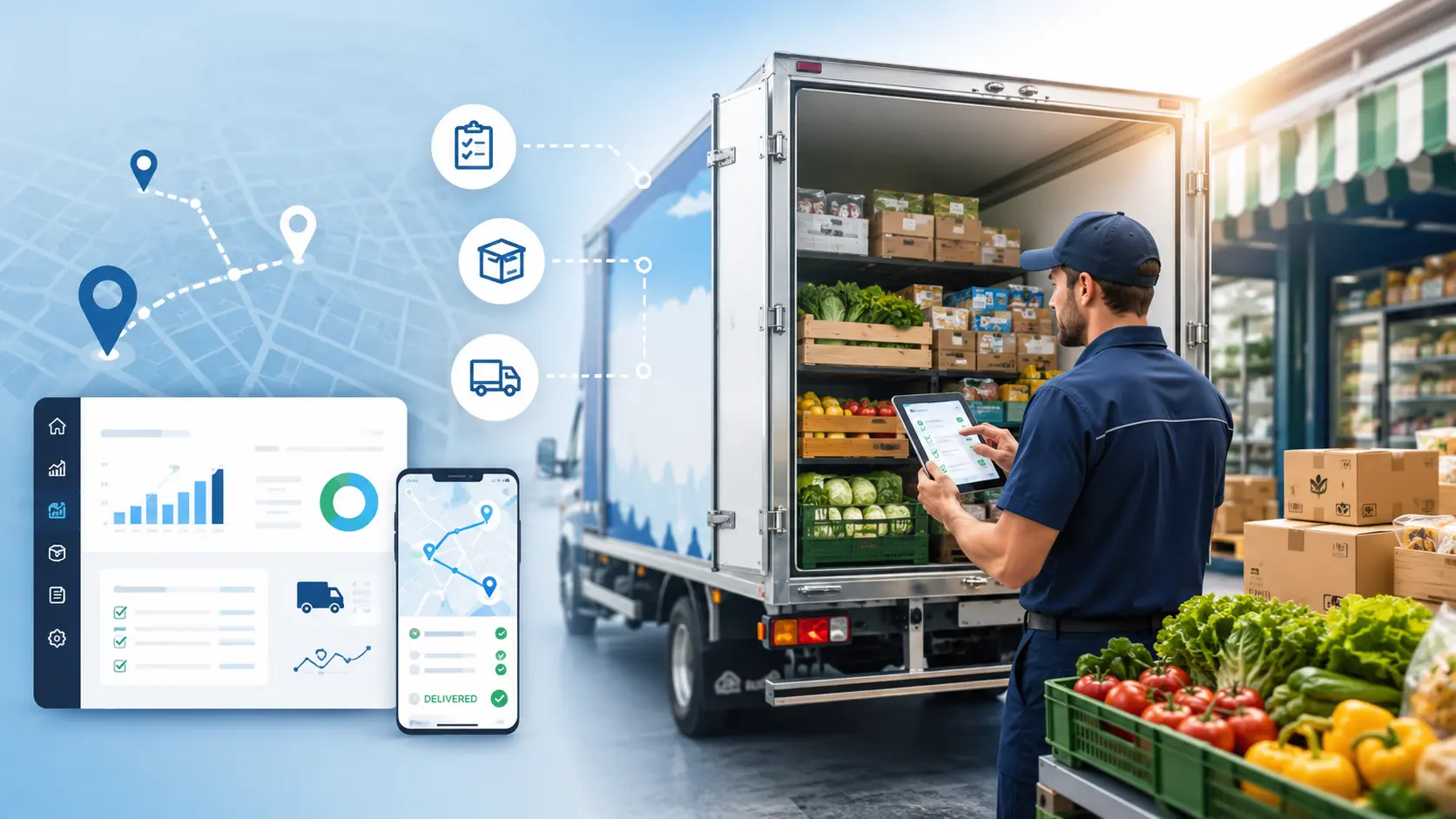
Food distributors that operate direct store delivery routes face a unique operational challenge.
Products don't simply move from a warehouse to a customer. They move through a sequence of activities that can include order taking, truck loading, route execution, customer delivery, inventory changes, returns, invoicing, payment collection, and proof of delivery.
When these activities depend on paper tickets, phone calls, spreadsheets, or disconnected applications, small errors can quickly become operational problems.
A driver may arrive without the right product. A customer may receive the wrong quantity. A return may not be recorded correctly. A delivery may be completed, but the invoice may require manual processing later. For distributors managing multiple routes and customer stops, these issues can become difficult to control.
DSD software helps connect the entire direct store delivery workflow together so that distributors can manage route activity, truck inventory, customer deliveries, invoicing, returns, and delivery information from a more centralized system.
This guide explains what DSD software is, how it supports food distribution operations, which features matter most, how it compares with route planning software, and what to consider when choosing a DSD solution.
What Is DSD Software?
DSD software, or Direct Store Delivery software, is designed for businesses that sell and deliver products directly to customers through delivery routes.
Unlike software that focuses only on accounting or route planning, DSD software is built around the activities involved in a direct store delivery operation.
Depending on the platform, capabilities can include:
- Mobile order taking
- Route management
- Delivery scheduling
- Truck inventory
- Mobile invoicing
- Proof of delivery
- Returns and credits
- Payment collection
- Customer information
- Driver activity
- Route accounting
- Accounting integrations
- DEX and retail integrations
For distributors specifically evaluating Direct Store Delivery software, the focus should be on how well the platform supports the complete route-level workflow.
For a broader overview of the technology used across the industry, you can check out our food distribution software guide.
Why Food Distributors Use DSD Software
Food distributors often manage frequent deliveries to stores, restaurants, retailers, and other customer locations.
A typical delivery operation may involve:
- Receiving or creating the customer order
- Preparing products for the route
- Loading the delivery vehicle
- Managing the route
- Delivering products
- Recording quantities
- Handling returns
- Creating or updating the invoice
- Collecting payment
- Updating inventory
If each step is managed separately, employees may have to enter or verify the same information multiple times. An order entered by a sales representative may need to be re-entered for warehouse preparation, checked again before loading, and then reconciled after delivery.
DSD software connects these activities so information captured at one stage is available at the next stage of the delivery process.
Where Delivery Errors Start
Delivery errors can originate at several points in the distribution process, not only at the customer stop.
An incorrect order, picking mistake, loading error, inventory discrepancy, or incomplete delivery record can all affect the final delivery.
Incorrect Orders
Orders may be received through phone calls, emails, paper forms, sales representatives, or other manual processes. Errors can occur when someone enters:
- The wrong product
- The wrong quantity
- The wrong price
- The wrong customer
- The wrong delivery date
If an error is not caught before the order reaches the warehouse, it can carry through picking, loading, and delivery.
Warehouse Picking Errors
Even when the customer order is correct, the warehouse can introduce an error by picking the wrong product or quantity.
Common examples include:
- Wrong SKU
- Incorrect quantity
- Missing cases
- Wrong product variation
- Products assigned to the wrong route
The result is an incorrect delivery even though the original order was accurate.
Truck Loading Errors
Products also need to be loaded onto the correct delivery vehicle in the correct quantities.
Manual loading processes can lead to:
- Products loaded onto the wrong truck
- Missing products
- Incorrect quantities
- Route-specific inventory problems
The driver may only discover the problem after reaching the customer.
Truck Inventory Problems
For DSD businesses, the truck is often part of the sales and delivery operation.
Products move from:
Warehouse → Truck → Customer
If inventory movements aren't tracked accurately, managers may have difficulty determining what should actually be available on each vehicle.
This can affect:
- Product availability
- Sales opportunities
- Returns
- Replenishment
- Inventory reconciliation
Delivery Documentation Errors
Paper delivery tickets require drivers to manually record information.
This may include:
- Delivered quantity
- Shortages
- Returns
- Damaged goods
- Customer signature
- Payment
- Delivery notes
The information may then need to be entered into another system.
Each manual handoff creates another opportunity for an error.
The exact workflow varies by business and software platform, but the principle is the same: information should move with the transaction rather than being recreated at every stage.
A connected workflow can bring together inventory management, route management, delivery execution, invoicing, and proof of delivery.
For a deeper look at how inventory and routing work together, see the inventory management and routing guide.
DSD Route Management
Route management is one of the most important parts of a direct store delivery operation.
Drivers need to know:
- Which customers they are visiting
- The sequence of stops
- What each customer ordered
- What products are available
- Which deliveries have been completed
- Which stops have exceptions
DSD route management software connects route information with customer orders and delivery activity.
Managers can see which stops are scheduled, what needs to be delivered, and which deliveries have been completed or require attention. Drivers have the route and customer information they need at each stop.
For distributors looking for a broader route accounting software solution, route management can be one component of the overall delivery workflow.
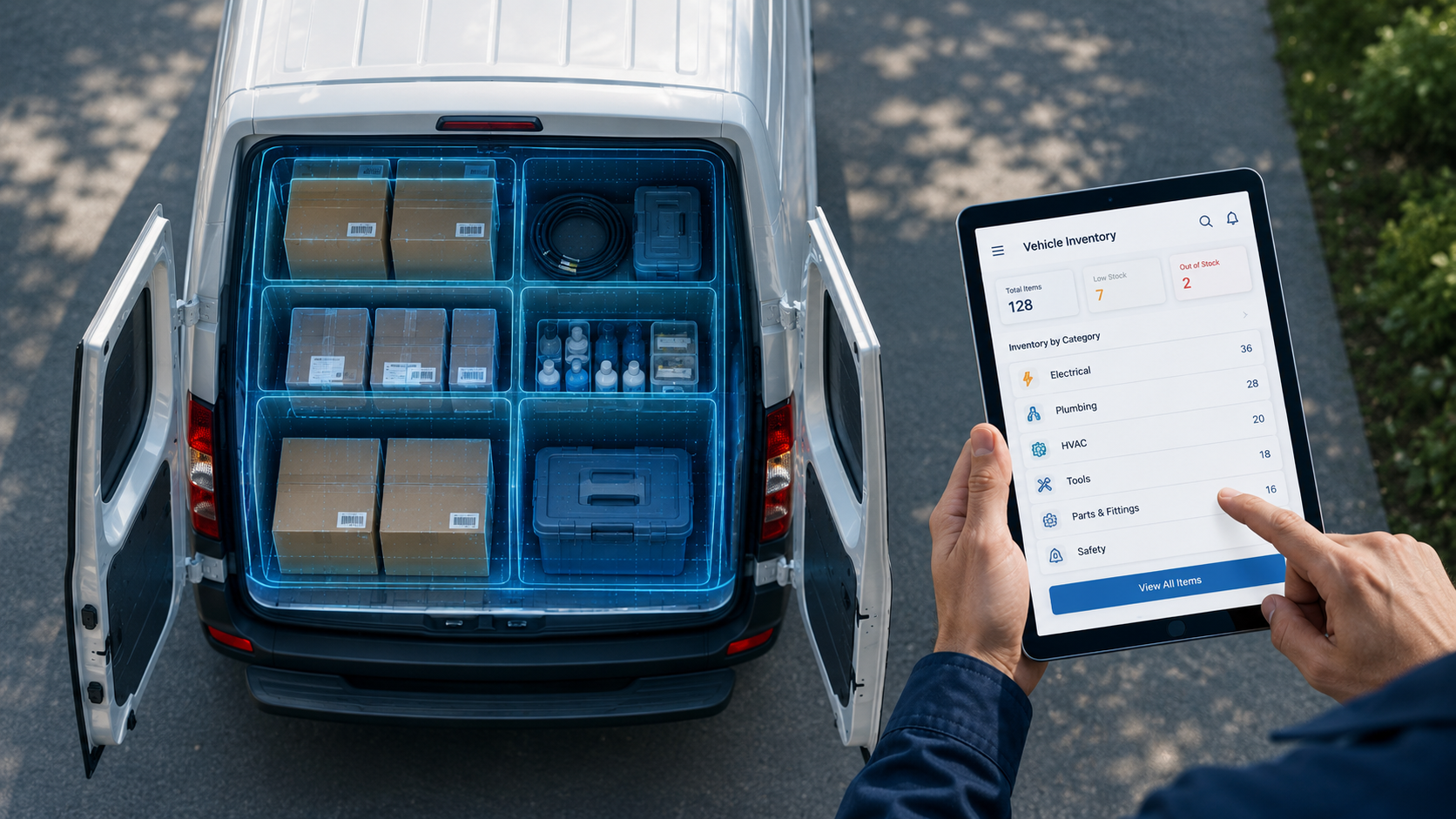
Managing Truck Inventory With DSD Software
Truck inventory can be difficult to manage when records are maintained manually.
A DSD system can track product movement between:
Warehouse → Delivery Vehicle → Customer
It can also support transactions such as:
- Truck loading
- Replenishment
- Product transfers
- Deliveries
- Returns
- Adjustments
Tracking these movements gives distributors a clearer record of what should be available on each delivery vehicle.
Mobile Order Taking
A direct store delivery operation often starts with the order.
Mobile order taking lets drivers or sales representatives create customer orders directly from their devices. Depending on the system, they can access customer history, product information, pricing, promotions, previous orders, and delivery details while taking the order.
The order can then move into the rest of the distribution process without requiring a separate paper or office entry.
This reduces the need to write orders on paper and manually enter them later.
It also gives downstream teams access to the same order information.
Mobile Invoicing
In many DSD operations, invoicing happens as part of the delivery transaction.
Mobile invoicing lets drivers create or access invoices while completing the delivery. The transaction can move directly from:
Delivery → Invoice → Payment
This reduces the amount of information that office and accounting teams have to enter after the route is complete.
Learn more about mobile invoicing software for distributors.
DSD Proof of Delivery
Proof of delivery provides a record that a delivery took place.
Depending on the DSD software, the system may capture:
- Customer signature
- Delivered products
- Quantities
- Delivery time
- Returns
- Notes
- Delivery confirmation
The information captured at delivery becomes part of the transaction record. If a customer later questions a delivery, the distributor can refer to the recorded quantities, delivery confirmation, returns, notes, or signature rather than relying only on a paper ticket.
When evaluating DSD proof of delivery software, look at how delivery confirmation connects with invoices, returns, customer records, and other route transactions.
For additional context, see the Direct Store Delivery software guide.
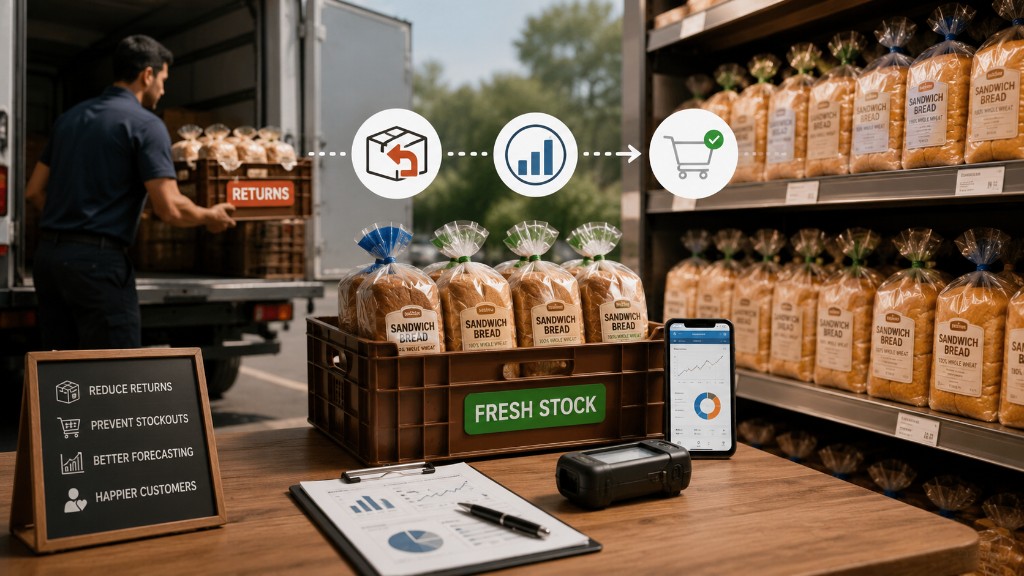
Managing Returns and Credits
Returns are an important part of food distribution.
Products may be returned because they are:
- Damaged
- Expired
- Incorrectly delivered
- Refused
- No longer required
When returns are handled manually, the physical product and the system record can fall out of sync.
Drivers can record returns during the delivery process when the DSD system supports mobile return transactions. That information can then be reflected in inventory and related customer or accounting records.
DSD Route Accounting
Direct store delivery can involve sales, invoicing, payment collection, returns, credits, and transaction reconciliation in addition to the physical delivery.
Drivers may:
- Sell products
- Create invoices
- Collect payments
- Record returns
- Manage credits
- Reconcile transactions
DSD route accounting software connects these financial transactions with the activity taking place on the route.
This gives distributors a way to manage the sales, delivery, and accounting side of a route as part of the same transaction rather than reconciling them as separate processes.
For a deeper look at the subject, see our route accounting software guide.
DSD Software and Payment Collection
Some distributors collect payment during delivery.
Depending on the software and payment setup, drivers may need to record:
- Cash
- Checks
- Card payments
- Other payment transactions
The important requirement is that the payment is recorded against the correct customer transaction.
When payment information remains linked to the related invoice or delivery, accounting teams have a clearer record to reconcile after the route.
DSD Software vs. Route Planning Software
DSD software and route planning software are related, but they are not the same.
| Capability | Route Planning Software | DSD Software |
|---|---|---|
| Route planning | ||
| Route optimization | Depending on platform | |
| Mobile order taking | Limited | |
| Truck inventory | Limited | |
| Delivery execution | ||
| Mobile invoicing | Limited | |
| Proof of delivery | Sometimes | |
| Returns | Limited | |
| Payment collection | Limited | |
| Route accounting | Limited | |
| Direct delivery workflow | Limited |
If your main requirement is simply creating optimized delivery routes, route planning software may be sufficient.
If your operation requires orders, truck inventory, delivery, invoicing, returns, payments, and route accounting, DSD software provides a broader workflow.
Key DSD Software Features to Compare
When evaluating the best DSD software for your business, focus on the features that match your actual delivery process rather than the length of a vendor's feature list.
The right combination will depend on how you take orders, manage truck inventory, execute deliveries, handle returns, collect payments, and reconcile route transactions.
Route Management
Evaluate:
- Multiple routes
- Multiple drivers
- Multiple stops
- Delivery schedules
- Route changes
- Route reporting
Mobile Order Taking
Evaluate:
- Product catalogs
- Customer pricing
- Order history
- Promotions
- Offline operation
Truck Inventory
Evaluate:
- Truck-level inventory
- Transfers
- Replenishment
- Returns
- Adjustments
- Lot or batch tracking where required
Mobile Invoicing
Evaluate:
- Invoice creation
- Invoice access
- Pricing
- Discounts
- Credits
- Delivery-based billing
Proof of Delivery
Evaluate:
- Electronic signatures
- Delivery confirmation
- Delivery notes
- Returns
- Delivery timestamps
Returns Management
Evaluate whether drivers can record:
- Damaged goods
- Expired products
- Refused products
- Credits
- Product returns
Payment Collection
Evaluate whether each payment is recorded against the correct customer, invoice, and route transaction.
Accounting Integration
If your business uses QuickBooks or another accounting platform, evaluate whether the DSD system can connect with your existing workflow.
For businesses specifically looking for DSD software with QuickBooks, integration should be evaluated before selecting a platform. See the information on QuickBooks integration.
You can also review bMobile Route's ERP and accounting system integrations.
Offline Capability
If drivers regularly work in areas with unreliable connectivity, offline mobile functionality should be part of the evaluation.
Check which functions remain available without a connection and how transactions captured offline are synchronized when connectivity returns.
Reporting
Management should be able to review relevant operational information, such as:
- Route performance
- Sales
- Deliveries
- Inventory
- Returns
- Collections
- Driver activity
Managers should be able to review this information without having to reconcile separate reports from different parts of the operation.
For a closer look at DSD capabilities, see the key DSD route accounting software features.
DSD Software Pricing: What Should Distributors Consider?
DSD software pricing varies based on factors such as the number of users and routes, mobile devices, integrations, implementation requirements, and the features included in the package.
The monthly subscription is only one part of the cost. Distributors should also consider implementation, integrations, training, support, hardware, and the operational work required to maintain the system.
Important questions include:
- Is pricing per user, driver, vehicle, or route?
- Are mobile users included?
- Are integrations included?
- Is implementation charged separately?
- Is data migration included?
- Is training included?
- Is support included?
- Are there additional hardware costs?
- Are offline capabilities included?
- Are reporting and advanced features part of the standard package?
- Are payment or transaction fees separate?
DSD Software for Small Distributors
A common question is whether DSD software for small distributors is worth considering.
Smaller distributors may not have hundreds of routes, but they can still experience the same operational problems.
For example:
- Orders may be written manually
- Drivers may use paper delivery tickets
- Truck inventory may be tracked in spreadsheets
- Returns may be reconciled at the end of the day
- Invoices may require manual entry
As a small distribution business adds customers and routes, these processes can become harder to maintain.
The right DSD platform should therefore be evaluated based on workflow requirements rather than company size alone.
A small distributor should look for a system that is practical to implement today but can support future growth.
DSD Software for Different Food Distribution Segments
DSD software can support different types of food distributors, but the workflows and priorities may vary.
Bakery Distributors
Bakery distributors may need strong support for recurring deliveries, truck inventory, returns, route management, and customer-specific delivery requirements.
Beverage Distributors
Beverage distributors can benefit from connected route, inventory, delivery, invoicing, and payment workflows.
Dairy Distributors
Dairy distributors often manage frequent deliveries and returns, making inventory and delivery visibility particularly important.
Snack Distributors
Snack distributors can use DSD software to manage multiple customer stops and maintain visibility into products carried on delivery vehicles.
Coffee Distributors
Coffee distributors serving wholesale customers can use mobile ordering, route management, truck inventory, and delivery workflows to manage recurring customer activity.
Grocery and Specialty Food Distributors
Distributors serving grocery stores and specialty retailers can use DSD workflows to coordinate orders, route activity, inventory, deliveries, and transaction records.
How to Measure the Impact of DSD Software
Before implementing DSD software, establish a baseline.
Track metrics such as:
| KPI | What to Measure |
|---|---|
| Delivery accuracy | Deliveries completed without errors |
| Order accuracy | Orders delivered as requested |
| On-time delivery | Deliveries completed within the expected window |
| Returns | Number and value of returned products |
| Invoice accuracy | Invoices requiring correction |
| Delivery cost | Cost per route or stop |
| Route productivity | Stops completed per route |
| Truck inventory variance | Expected vs. actual inventory |
| Collection accuracy | Expected vs. collected amounts |
After implementation, compare the same metrics over time.
This gives management a way to determine whether the new system is improving the operation.
When Should You Consider DSD Software?
Your business may be ready to evaluate DSD software when:
- Drivers still depend heavily on paper
- Orders are entered manually
- Truck inventory is difficult to reconcile
- Delivery errors happen frequently
- Customers dispute deliveries
- Invoice corrections take too much time
- Returns are difficult to track
- Managers lack route visibility
- Drivers need frequent phone support from the office
- The number of routes is increasing
- Your current software does not support direct store delivery workflows
The key question isn't simply how many trucks you operate.
Ask how much manual coordination is required to keep those trucks and routes operating accurately.
How bMobile Route Supports DSD Operations
bMobile Route is designed around the operational requirements of distributors managing direct store delivery operations.
The platform supports workflows around:
- Direct Store Delivery
- DSD route management
- Mobile order taking
- Truck inventory
- Mobile invoicing
- Proof of delivery
- Returns
- Warehouse operations
- Order management
- Accounting integrations
- DEX and retail integrations
The bMobile DSD software platform connects order capture, route and delivery management, vehicle-level inventory, payments, and reporting within one workflow.
For distributors, the objective is to connect the information created throughout the delivery process.
That means order, inventory, route, delivery, invoice, and related transaction information can work together rather than being managed as completely separate processes.
If you're evaluating DSD software for food distributors, see how bMobile Route can fit your delivery operation.
Request a bMobile Route Demo
Book a Demo