What is mobile invoicing for DSD distributors?
Mobile invoicing means creating, printing, and delivering an invoice directly from the driver's handheld at the point of delivery. The invoice is created in the truck, and after being signed by the store, sent to the back office the moment the driver taps 'done.' No carbon copies. No end-of-day re-keying. No disputes a week later.
Put simply, it is digital invoicing for route sales that happens on the truck. For a DSD distributor, that is the difference between a driver finishing at 2 PM and a business closing the books by 3.
Why paper invoices are quietly costing family distributors real money
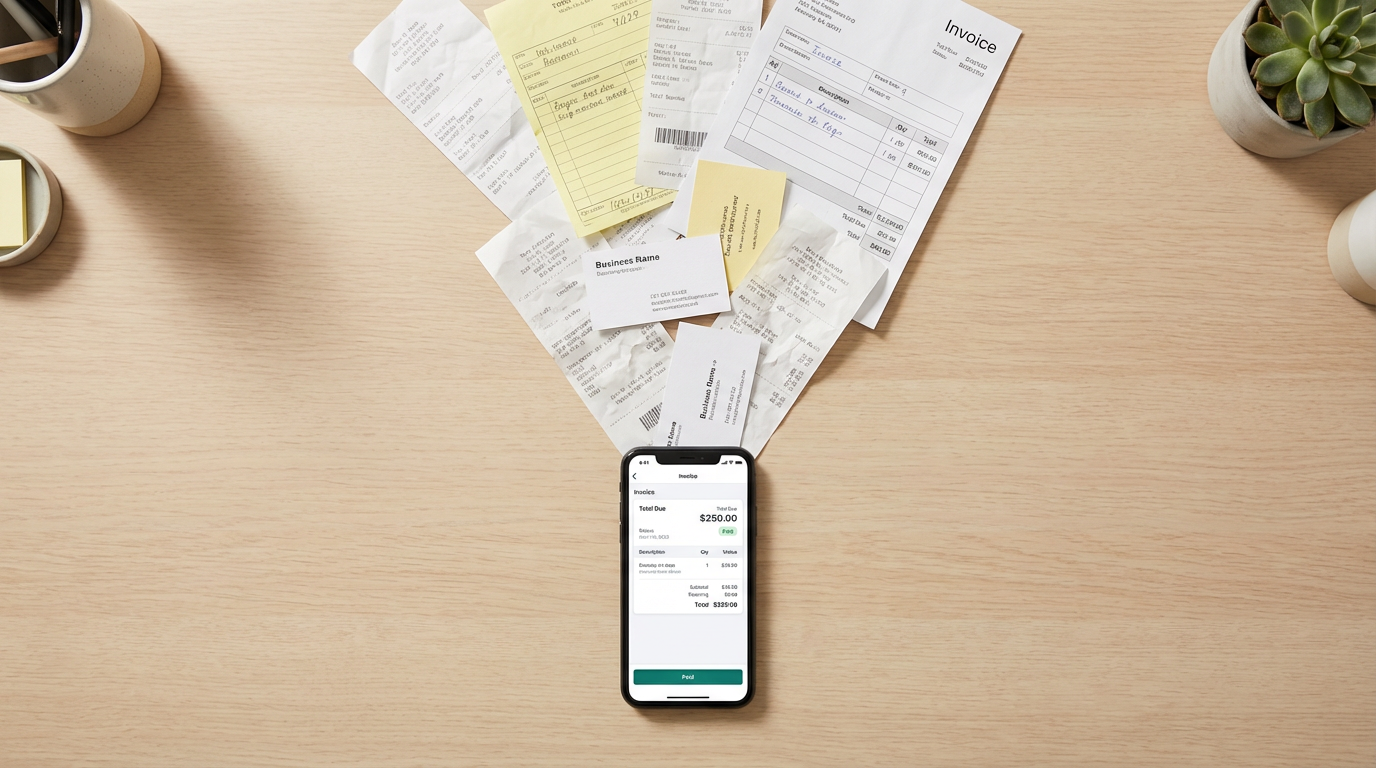
Paper works. It has run family DSD businesses for decades. The question is what it costs you to keep using it.
Your driver handwrites 35 invoices a day. He gets quantities wrong on three due to human error. Two stores dispute the totals a week later. Your office manager spends three hours each evening re-typing tickets into QuickBooks, making her own errors. Receivables drag. Stale returns get scribbled in the margin of a receipt, so you have no clean data on where you are losing product.
Multiply this across five or ten routes. The losses show up as slower collections, thinner margins, and an office person who is always tired. Most distributors cannot quantify the cost of paper because paper hides the cost.
What a mobile invoice actually looks like on the route
Picture the same delivery on a mobile system.
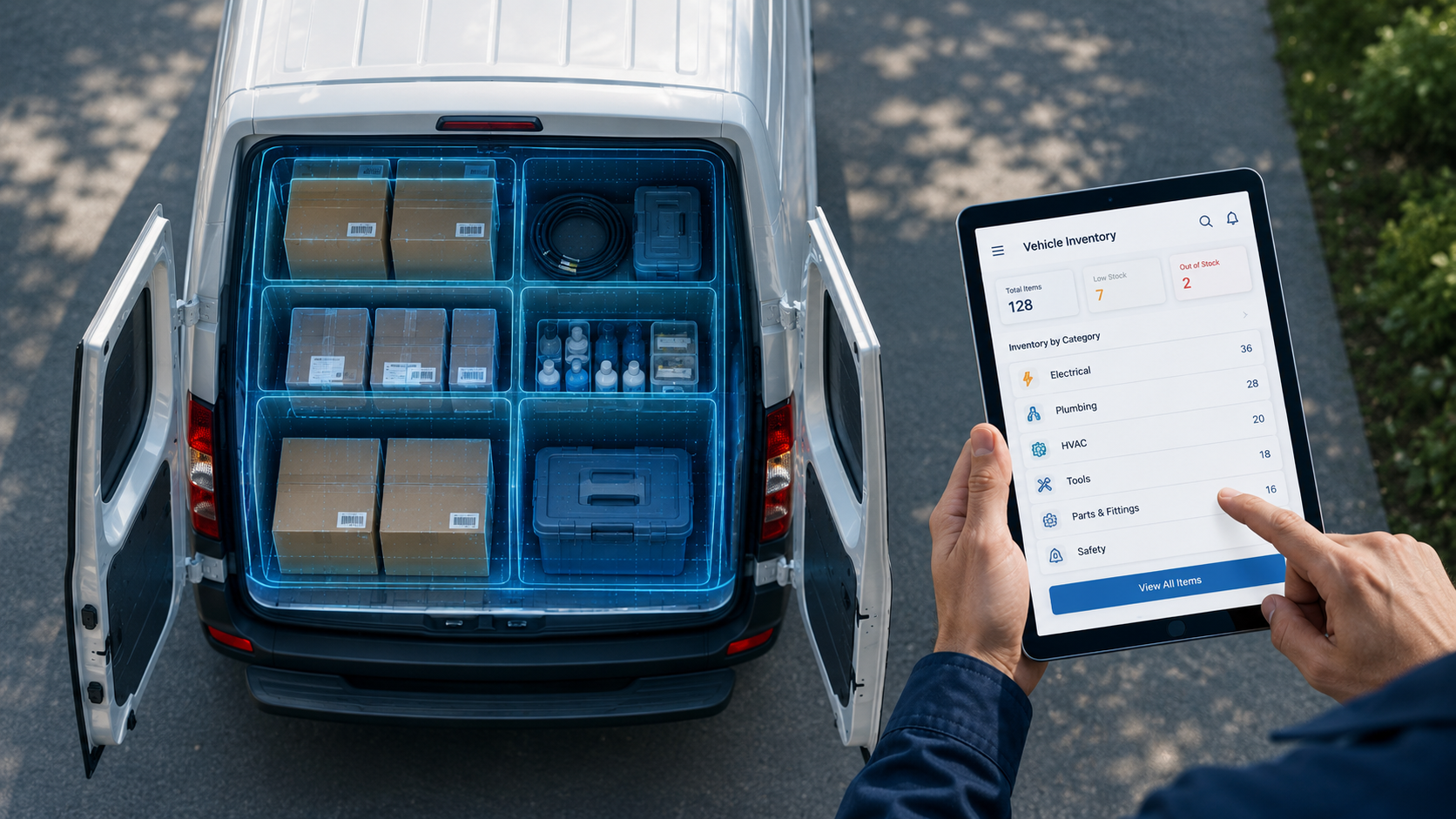
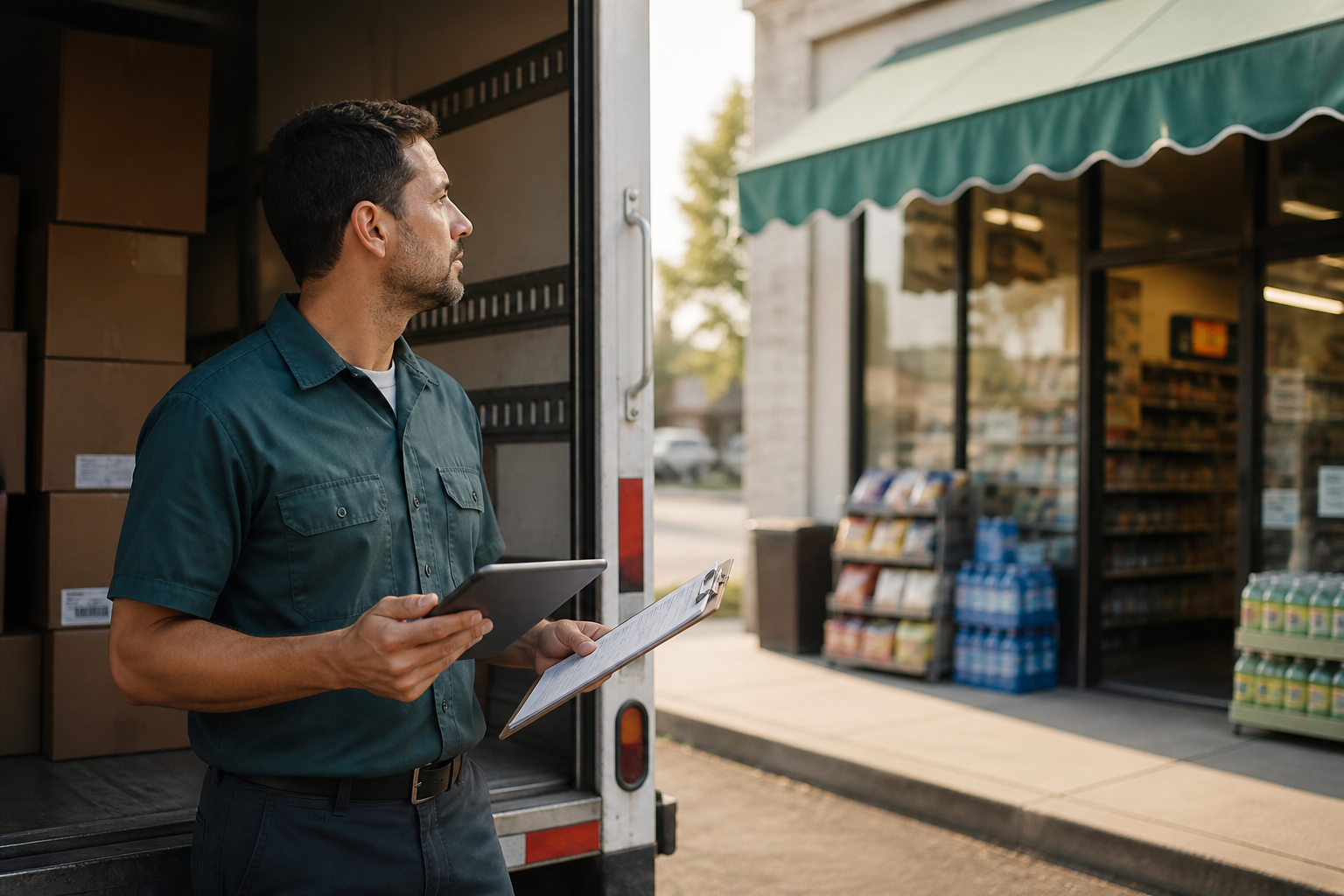
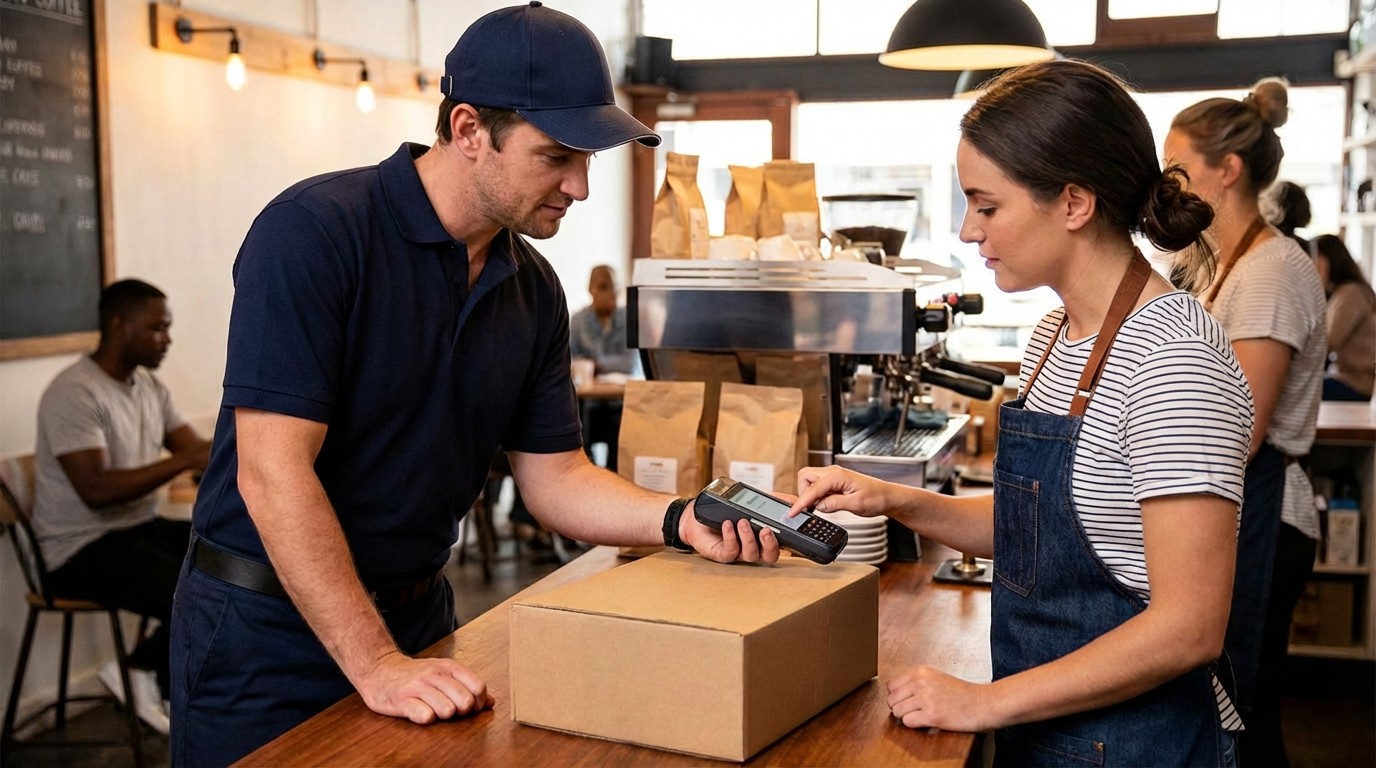
The driver pulls up. The app already knows what this store had bought last week. He walks to the shelf, enters today’s quantities, and handles returns as he goes. The invoice builds itself. When delivery is done, the store manager signs the screen, the driver prints a receipt on the handheld printer clipped to his belt, and the invoice flows straight into the back office, automatically updating QuickBooks and the truck inventory. This way, route settlement builds itself in real time.
The whole thing takes less time than writing just the carbon copy. Nobody re-enters anything, ever.
Not “more technology.” It’s just “less work”.
Why the printer is half the battle (and most people underestimate it)
A mobile invoice is only useful if the store gets a printed copy in their hand, at delivery, matching what the driver just entered.
The receiving clerk at a bodega does not want a PDF. They want a printed ticket to staple to the delivery. Chain accounts are the same: no paper, no signature. If your system cannot print on the spot, your driver falls back to a workaround and the whole point of going paperless in the field collapses.
bMobile supports rugged Bluetooth printers built for the truck. The FieldPro 641 and FieldPro 541 from Printek, along with the Zebra ZQ520, survive drops, dust, and cold mornings. They pair with iOS, Android, and Windows, print 4-inch receipts, labels, tickets, and barcodes, and last a full shift on a single charge.
Ask any distributor who has switched. The question they wish they had asked first was not about the app. It was about the printer.
The offline rule nobody told you about
Worth asking any vendor before you sign: what happens when my driver has no cell signal?
If the answer is 'the driver needs a connection to complete the invoice,' walk away.
A meaningful share of DSD stops happen in dead zones. Rural convenience stores. Warehouse back docks. Strip malls with bad reception. If the driver cannot create an invoice, print a receipt, and capture a signature without a live connection, the system is disqualifying. This is the single most overlooked requirement in any invoicing app for direct store delivery.
True mobile invoicing works offline. The device captures everything locally and syncs when signal returns. Offline is not a feature. It is the minimum.
How mobile invoicing changes the back office (not just the truck)
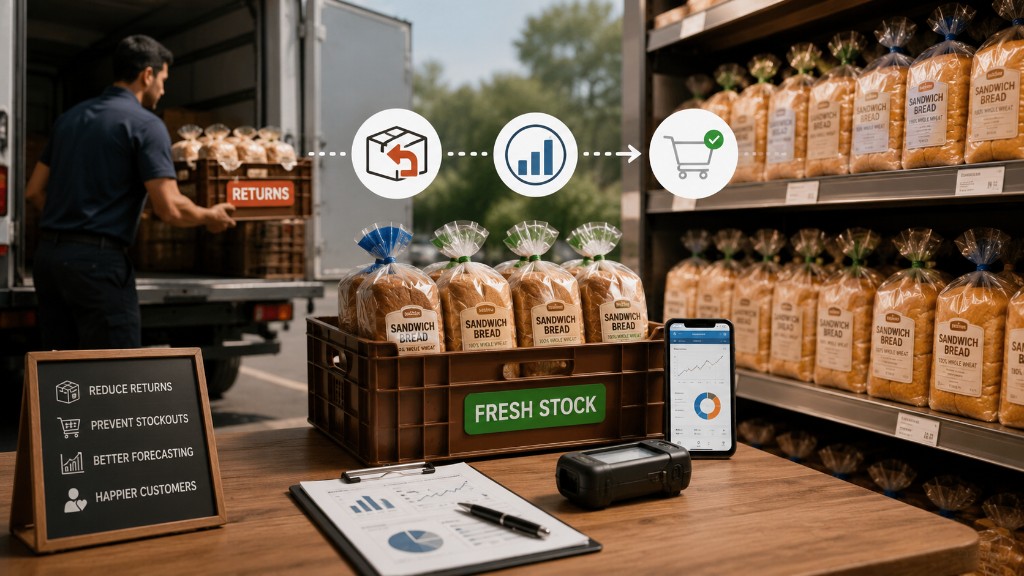
Your office manager stops spending three hours a night typing tickets. She starts the day with invoices already in QuickBooks. Payments flow in faster because customers get accurate invoices within hours, not days. Stale returns are tracked by store, product, and date, so you stop guessing about why a certain route keeps losing money. Route-level profitability becomes visible for the first time.
This is what real-time invoicing for distributors actually delivers. It is sold as a driver tool. Of course it makes their day much easier. But the biggest winners are the business owners who never touch a truck.
Signs your distribution business is ready to go paperless
You probably already know if you are ready. But here are the signals we hear most often:
You are running three or more routes and can no longer ride along on every one. Your office person is working late every night on data entry. Your drivers are making quantity mistakes that turn into customer disputes. You suspect you are losing money on stales but cannot prove it by account or SKU.
If two or more sound familiar, the cost of paper has already passed the cost of the software. You are just still paying it.
What to look for when choosing mobile invoicing software for distributors in 2026
Not all tools are built the same. Here is what actually matters.
First, it has to work offline.
Second, it has to print on rugged, Bluetooth, driver-friendly hardware.
Third, it has to talk to your accounting system without a middleman. For most family distributors, that means a clean QuickBooks integration. Denali, NetSuite, or another ERP should be just as seamless.
Fourth, it has to handle the full cycle: order capture, truck inventory, returns, payment, signature, and settlement on the same device. Bolt-on tools create a second set of reconciliation headaches.
Fifth, it has to speak your vertical. Bread worries about stales. Snacks worry about SKU mix. Coffee worries about freshness and equipment placement. Tortilla worries about compliance and corn cost. A generic tool misses the details that matter on the truck.
The bottom line
Paperless invoicing for distributors is not a buzzword. It is the quiet shift turning six-hour office days into two-hour office days across family DSD operations. Operators who switch first are buying back time, margin, and peace of mind.
Ready to stop paying the hidden cost of paper and move to true digital invoicing for route sales?
Try bMobile for free