Mobile route software is a digital solution that helps distribution teams manage routes, orders, inventory, and deliveries from a single handheld device. It replaces the clipboards, spreadsheets, and phone calls that slow down field operations, by connecting drivers and back-office staff to the same real-time data.
For distributors running direct store delivery, the gap between what's planned and what happens on the road is where they lose time and money. This guide covers how bMobile Route Software works, the core features that matter for distribution, and what to look for when evaluating platforms.
What is bMobile Route Software?
bMobile route software is a digital solution accessed via smartphones or tablets that helps field teams manage daily routes, customer visits, orders, and deliveries from one handheld device. In simple terms, it replaces clipboards, paper invoices, and spreadsheet-based planning with connected workflows that sync between the truck and the back office in real time.
The best platforms automate mission-critical last-mile workflows. Route planners, dispatchers, drivers, and managers all work from the same data instead of passing information back and forth through phone calls or end-of-day paperwork.
A typical bMobile Route Software platform manages:
- Routes: Optimized stop sequences based on traffic, delivery windows, and load size
- Orders: Sales, returns, and payments captured at the point of delivery
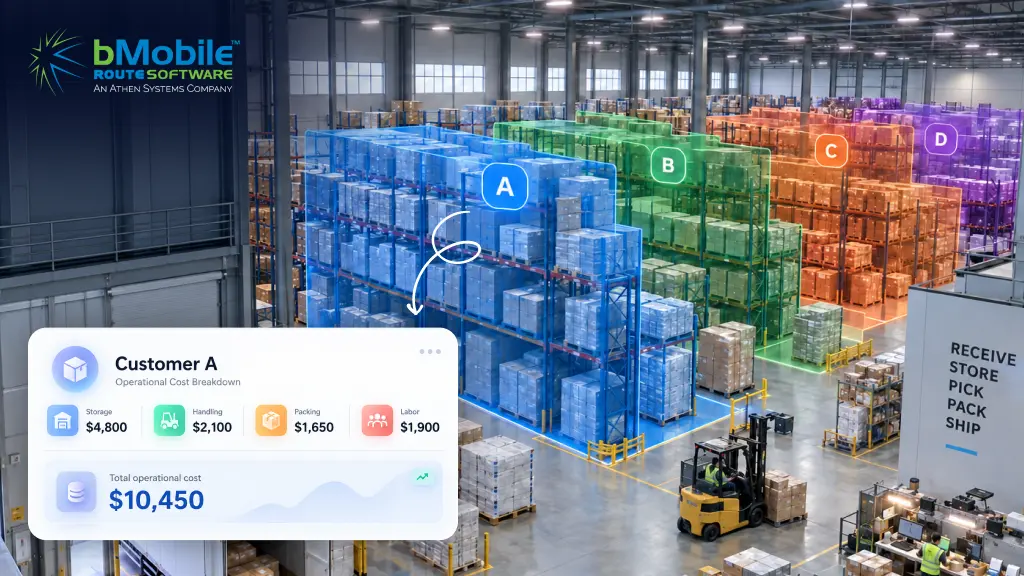
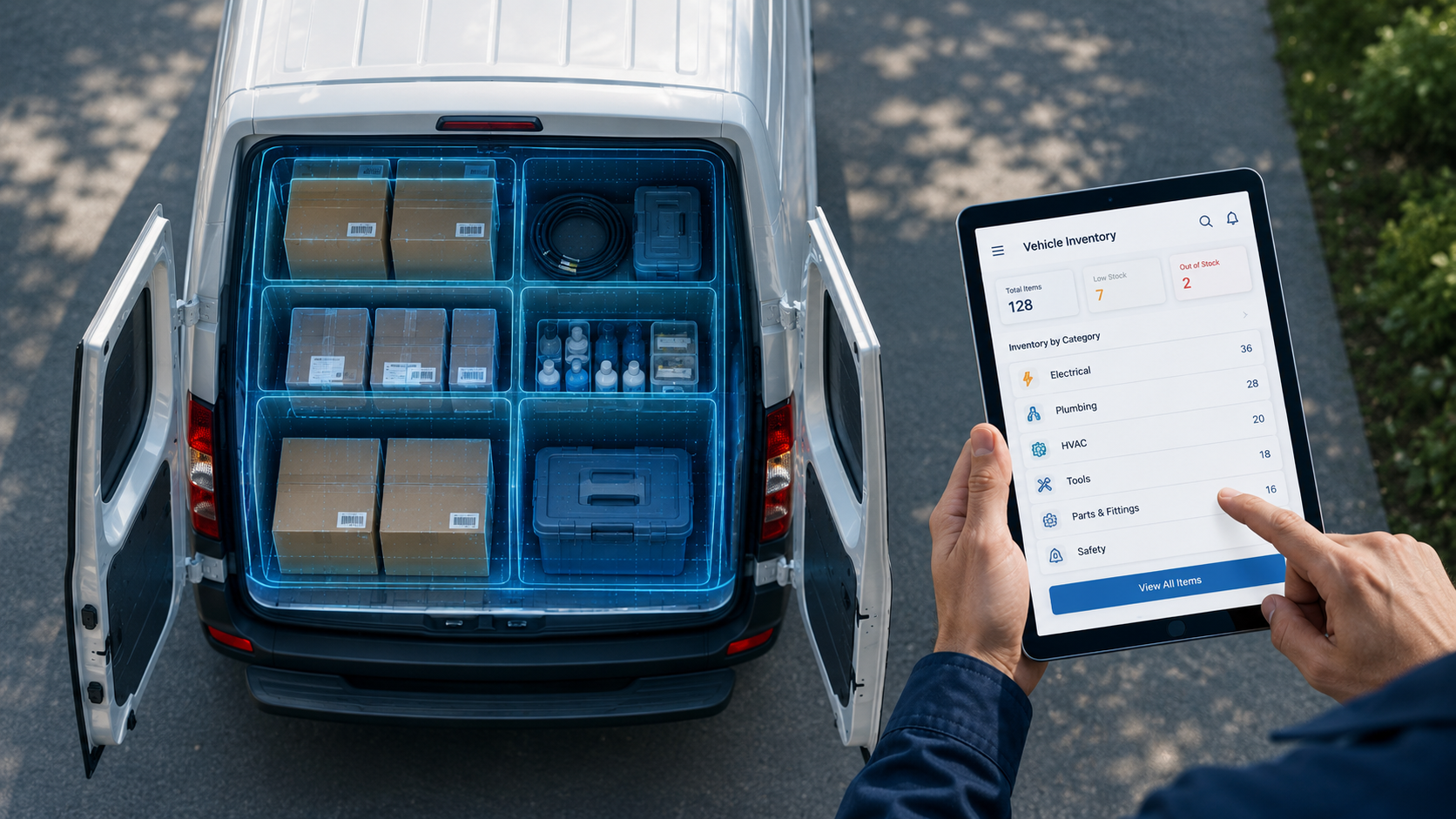
- Inventory: Live counts on the truck and in the warehouse
- Invoicing: Digital invoices generated before the driver leaves the stop
- Customer data: Account details, order history, and upsell opportunities accessible in the field
Why distributors need bMobile Route Software
Distribution operations depend on tight coordination between field routes, warehouses, and back-office systems. When these workflows don't connect, small problems snowball into bigger ones. Drivers have to wait while orders get fixed. Inventory mismatches surface mid-route. Customers receive the wrong products.
Here are the operational issues that typically drive distributors to look for solutions like bMobile Route software:
- Disconnected systems: When sales, warehouse, and accounting tools don't share data, teams have to re-enter information manually. Errors and delays ripple through the entire operation.
- Manual handoffs: Paper order forms passed between field and office staff are slow and prone to getting lost. By the time the warehouse sees the order, the information may already be outdated.
- Delayed inventory updates: Without live visibility, drivers can sell products they don't have on the truck. End-of-day counts are too late to prevent stockouts.
- Route inefficiencies: Manually planned routes don't account for real-time traffic, delivery windows, or last-minute order changes. The result is wasted fuel, missed stops, and frustrated customers.
Connected bMobile Route software addresses each of these challenges by keeping everyone drivers, dispatchers, warehouse staff, and managers working from the same real-time data.
8 Core Features of bMobile Route Software
When evaluating bMobile route software, understanding which capabilities actually matter for distribution operations helps you avoid gaps that create workarounds later. Not every platform includes all of the features below.
1) Route optimization and planning
Route optimization builds efficient daily stop plans by factoring in traffic patterns, customer delivery windows, and vehicle load size. Advanced platforms use AI route planning to recalculate the best path as conditions change throughout the day. The outcome is fewer miles driven and more stops completed per day. AI-optimized routing can reduce delivery times by 25% compare to manual planning.
2) bMobile Order Entry
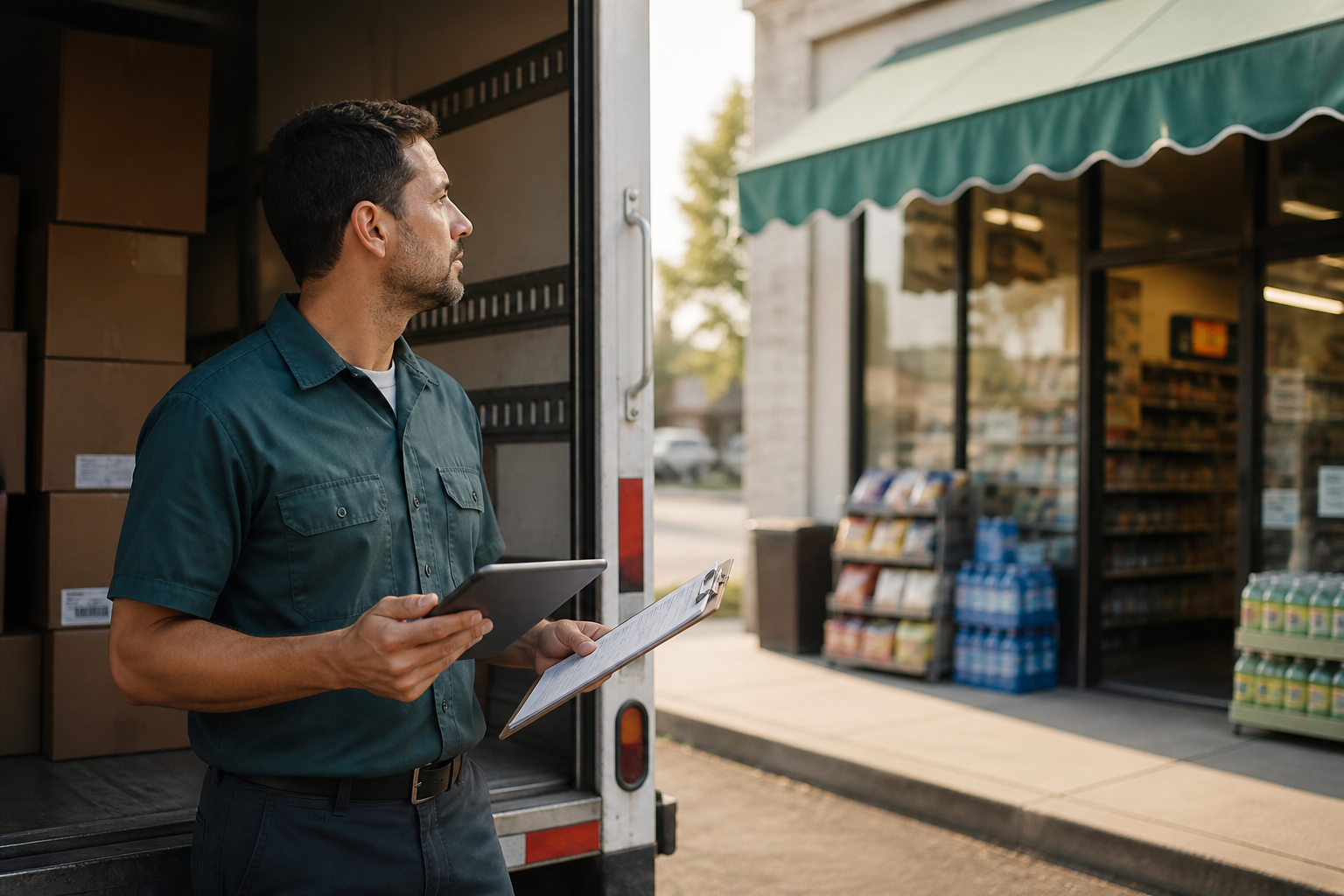
Drivers can take orders directly at the shelf or customer location, managing the entire stop workflow in one pass. This includes loading verification, delivery confirmation, return processing, and payment collection from a single screen.
Orders flow directly to the warehouse through a connected order management system, improving accuracy and speeding up fulfillment.
3) Real-Time Inventory Visibility
Live truck and warehouse inventory counts are visible to both field reps and back-office staff at the same time. The software can also trigger alerts when stock hits auto-reorder points.
This visibility helps avoid two common problems: selling products that aren't on the truck, and overloading trucks with inventory that won't move.
4) Warehouse and Load Management
Scanning from goods receipt through truck loading ensures the picking and packing process is verified for the correct pallet on the correct route. When every scan is verified, misloads disappear and the warehouse stays ready for the next truck.
5) Invoicing and Payment Collection
Drivers can generate invoices and capture payment in the field at the time of delivery. Payment methods typically include credit card, check, or cash.
Faster invoicing means faster cash flow and fewer billing disputes since the invoice matches exactly what was delivered.
6) Customer and Account Management
Built-in CRM capabilities allow drivers to log new stores, push promotions, flag upsell opportunities, and build quotes on-site. Customer relationship work becomes part of the delivery workflow rather than a separate system to update later.
7) Time Tracking and Driver Accountability
Features like geofenced clock-ins, timers for pick/pack/stop durations, and automated hours sent to payroll provide clear visibility into driver activity. Operational bottlenecks surface quickly, and labor tracking becomes automatic instead of manual.
8) Reporting and Analytics
Centralized dashboards show route performance, delivery metrics, and sales insights. This enables data-driven decisions about route assignments, inventory levels, and customer profitability.
How bMobile Route Software works
A typical day using bMobile route software follows a connected operational flow where each step feeds the next.
- Routes are planned and optimized: Before the day begins, the back office creates efficient routes for all drivers and sends it to their mobile devices. This ensures a productive start without any morning confusion.
- Drivers receive stops on their mobile device: Each driver sees their full list of stops, customer information, and order details on their smartphone or tablet. Paper manifests become unnecessary.
- Orders are taken and delivered at each stop: At each location, the driver completes the delivery, takes new orders, processes returns, and collects payment; all within the same app. Every action is captured and timestamped.
- Inventory updates in real time: As products are sold and returned, inventory levels on the truck and in the warehouse update instantly. This prevents stock discrepancies before they become problems.
- Back office sees live status: Managers have a live view of route progress, sales, and inventory changes as they happen. This allows for proactive support instead of reactive firefighting.
Benefits of bMobile Route Software
The real value of bMobile route software shows up in daily operations. When routes, orders, and inventory are connected, teams spend less time fixing mistakes and more time moving products.
Reduced Drive Time and Mileage
Optimized routes mean less windshield time and more productive stops. Fuel costs drop, and drivers can handle 12–18% more stops per day.
Improved Inventory Accuracy
Live counts eliminate guesswork and manual reconciliation errors. Real-time inventory tracking can improve stock accuracy by 35% compared to manual counts.
Faster Order-to-Delivery Cycles
Orders flow directly to fulfillment without re-keying or paper handoffs. Same-day fulfillment becomes realistic instead of aspirational.
Increased Field Accountability
GPS tracking and stop timers create visibility into driver activity and stop duration. You can identify coaching opportunities and recognize top performers.
Lower Software and Administrative Costs
One platform replaces multiple disconnected tools and reduces manual data entry. Consolidating systems typically reduces overall software spend.
Traditional Route Planning vs bMobile Route Software
| Feature | Traditional Route Planning | bMobile Route Software |
|---|---|---|
| Route Creation | Manual or spreadsheet-based | HAutomated and optimized |
| Inventory Visibility | Delayed end-of-day counts | Real-time on truck and in warehouse |
| Order Entry | Paper forms re-keyed later | Digital with instant sync |
| Field-to-Office Communication | Phone calls and guesswork | Live data, GPS, and status updates |
| Error Rate | High due to manual handoffs | Reduced through automation |
Who Needs bMobile Route Software
bMobile route software is particularly valuable for distributors with operational complexities where speed, accuracy, and coordination directly impact margins.
Bread and Bakery Distributors
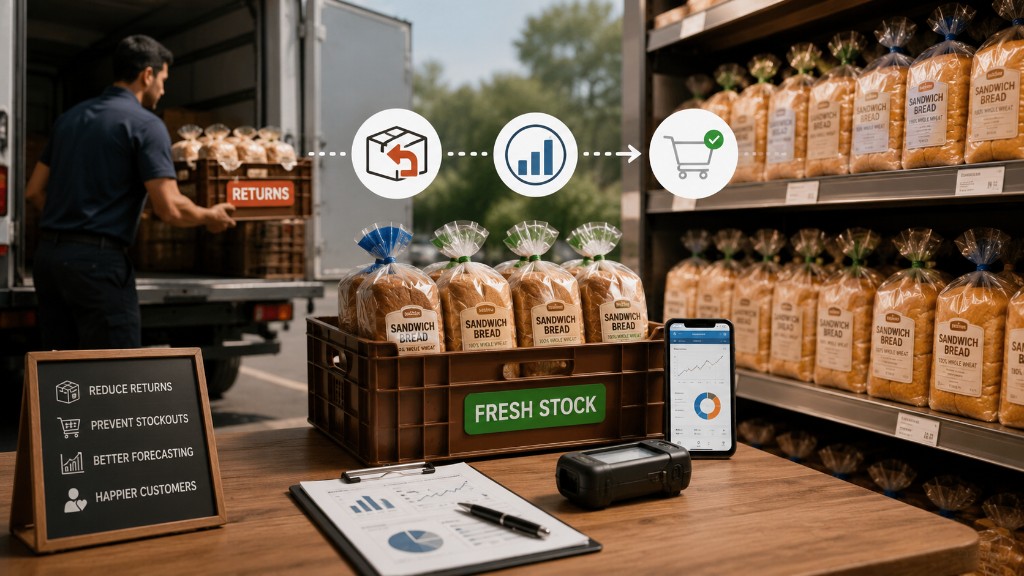
Shelf life pressures, optimized daily routes, and production timing require live sales data to drive baking schedules. Yesterday's sales numbers are too old to plan tomorrow's production.
Snack and Beverage Distributors
High SKU counts, frequent promotions, and last-minute order changes create complexity that generic tools can't handle. Field reps benefit from real-time access to pricing, inventory, and customer history.
Coffee and Perishable Goods Distributors
Freshness windows and same-day adjustments demand real-time visibility and fast fulfillment. A delay of even a few hours can mean spoiled product and lost revenue.
Wholesale and Route Sales Operations
Any operation delivering direct to retail locations with tight coordination between field, warehouse, and back office benefits from connected bMobile route software.
What to look for in a route software
Use this evaluation checklist to find the right solution for your distribution business.
All-in-One Platform vs Point Solutions
An all-in-one platform provides a unified suite for routing, ordering, inventory, and CRM. Point solutions require piecing together separate tools that may not share data cleanly. The outcome of an all-in-one approach is one set of numbers and no data silos.
DSD Route Accounting Software Capabilities
DSD route accounting software is the financial and transactional layer—sales, invoicing, payments, returns—tied directly to route activity. In simple terms, it's how you track the money that moves with each truck. This capability is critical for distributors who want accurate billing and clear visibility into profit margins on every route.
Mobile-First Design and Offline Functionality
Drivers often operate in areas with poor connectivity. The software works offline and automatically syncs data when a connection is re-established. Otherwise, you're back to paper workarounds.
Transparent Pricing and Included Support
Watch for hidden tiers or surprise fees for support and upgrades. Look for one fair price that includes ongoing support and software updates as part of the subscription.
Integration with ERP and Accounting Systems
The software you choose can connect to existing backend systems like QuickBooks, NetSuite, or SYSPRO. The outcome is smoother data flow between the field and finance, with no duplicate entry required.
bMobile Route Software Integrations
Integrations matter because most distributors already rely on ERP and accounting tools to run their business. The right bMobile route software enhances existing systems rather than replacing them.
Common integration types include:
- ERP systems for order and inventory data
- Accounting software for invoicing and receivables
- Payment processors for field collections
- Payroll systems for automated time tracking
Platforms that connect seamlessly to tools like QuickBooks, NetSuite, and SYSPRO create a smoother backend operation without manual data transfers.
How bMobile Route simplifies distribution from warehouse to store
bMobile Route is a purpose-built DSD platform designed around a 'Plan. Adjust. Deliver.' approach. It bundles route, order, inventory, warehouse, CRM, and time tracking into one subscription at one fair price no hidden tiers or surprise fees.
- All-in-one DSD platform: Manages every step from the warehouse to the customer in a single system, so changes don't break the day.
- Purpose-built for distributors: Designed specifically for the complexities of route sales in industries like bread, snacks, and coffee not adapted from generic software.
- Rapid implementation and Support: Go live in weeks with a dedicated team, along with live support and future updates.
Ready to stop paying the hidden cost of paper and move to true digital invoicing for route sales?
Request a Demo