QuickBooks is used by over 7 million businesses to manage their accounting. However, it isn’t designed to track inventory in real time across both your warehouse and your delivery trucks, or to reflect what’s been sold at the counter as it happens. Once you start managing inventory across multiple locations, the built-in features become less reliable for handling the entire process.
This guide covers the best inventory software that integrates with QuickBooks, what features actually matter for growing operations, and how to evaluate options based on your specific distribution workflow.
Why QuickBooks Inventory Management Falls Short for Growing Businesses
QuickBooks includes basic inventory tracking out of the box. It handles simple stock counts, cost tracking, and reorder alerts for businesses operating from a single location. However, once you start running inventory across multiple warehouses, delivery trucks, or retail counters, the built-in features start to fall short.
The core issue is visibility. QuickBooks tracks inventory as if everything lives in one place. That works fine for a small operation, but it doesn’t work when you're trying to track inventory across multiple trucks, warehouses and your retail counter. Relying on just QuickBooks will only lead you back to phone calls and maintaining multiple spreadsheets just to be on top of what’s happening.
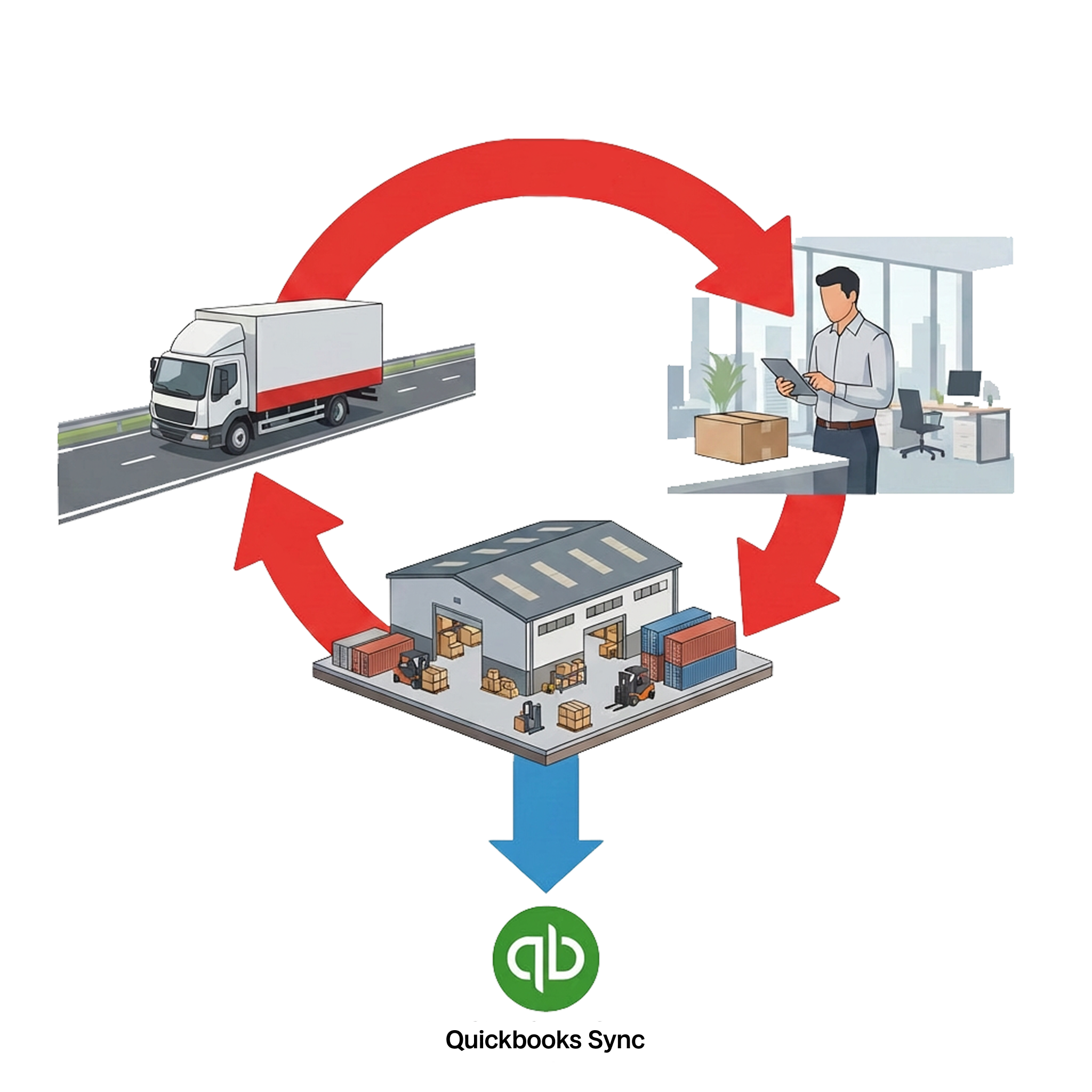
Here's where growing businesses typically hit friction:
- Single-location tracking: QuickBooks assumes all inventory sits in one spot, so there's no way to separate truck stock from warehouse stock.
- Delayed data updates: Stock counts often lag behind actual transactions, which means your system shows availability that doesn't match what's currently on the shelf.
- Manual reorder points: You set thresholds yourself and monitor them manually, which gets harder to manage as SKU counts grow.
- Basic reporting: There's limited insight into inventory turnover by location, sales velocity, or margin by product line.
For distributors moving volume across multiple locations, these gaps create daily problems that compound over time.
Best inventory software that integrate with QuickBooks
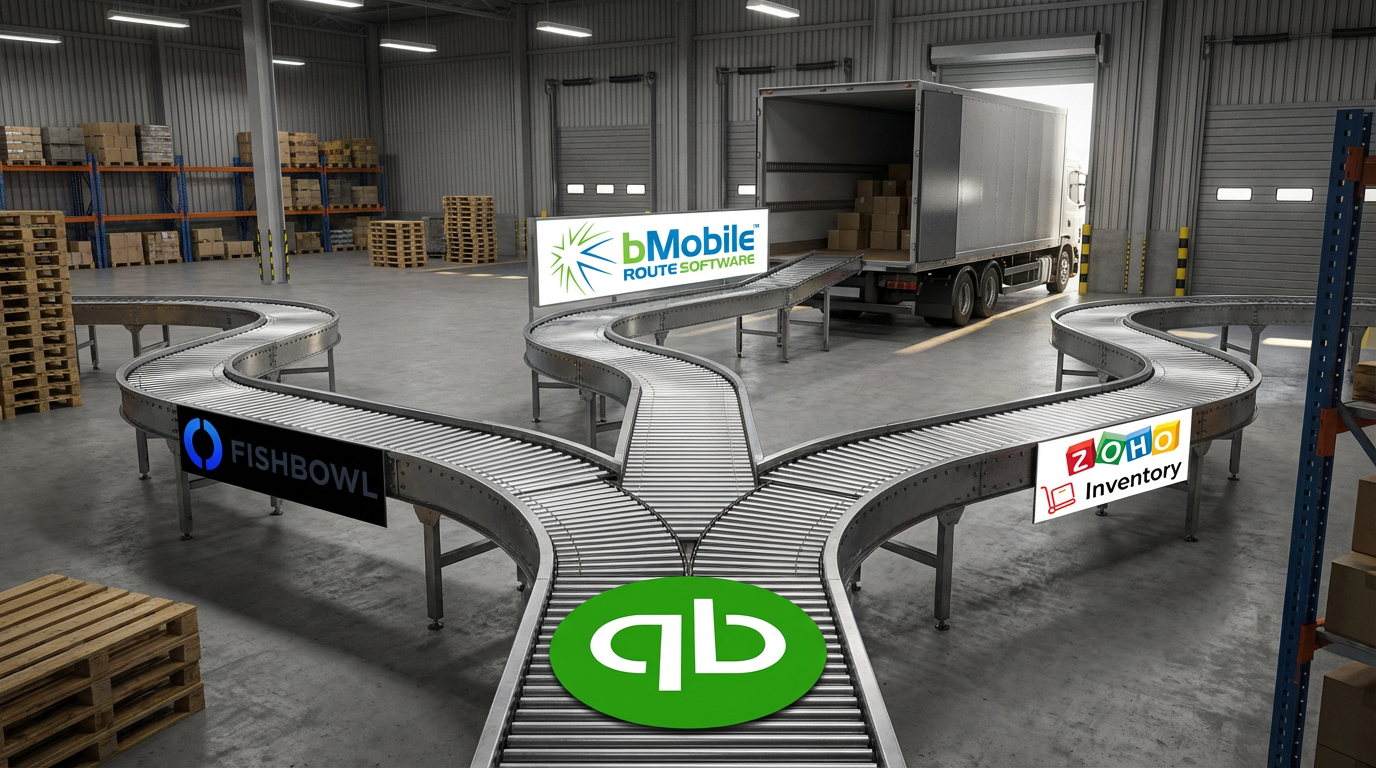
Third-party inventory software connects your stock management directly to QuickBooks, syncing counts, costs, and orders automatically. You get advanced warehouse and field capabilities while keeping your accounting clean and accurate.
bMobile Route
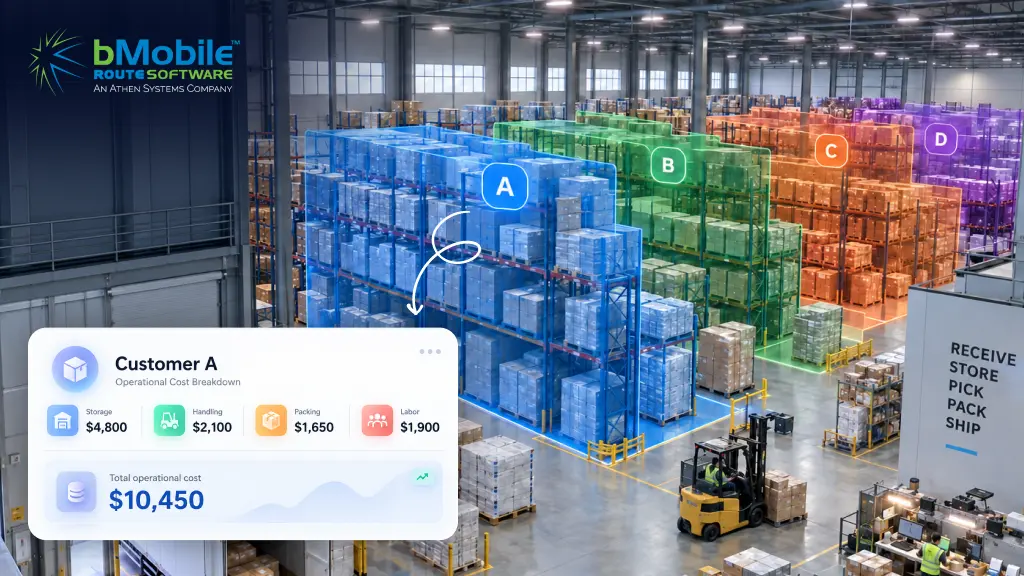
bMobile Route is built specifically for direct store delivery (DSD) operations, where inventory is constantly moving between warehouses, trucks, and customer locations. It treats each warehouse and delivery truck as its own inventory location, so you always have clear, real-time visibility into what’s in stock, what’s in transit, and what’s been sold.
Beyond inventory tracking, it brings together order management, route planning, and delivery execution into a single workflow. Orders can be created in advance or on the spot, routes are optimized to save time and fuel, and drivers can manage deliveries directly from their mobile devices. As sales happen in the field, inventory is updated immediately, reducing discrepancies and manual reconciliation later.
The system also syncs seamlessly with QuickBooks, ensuring that invoices, payments, and inventory updates flow back into your accounting without duplicate data entry. This keeps your financials accurate while allowing your operations team to work in real time.
For distributors making daily deliveries, bMobile Route acts as an end-to-end solution which cover everything from picking and loading trucks, to managing deliveries and returns, to generating invoices and capturing payments. The result is a more streamlined route accounting process, fewer errors, and better visibility across the entire operation.
Fishbowl Inventory
Fishbowl works well for manufacturing and warehouse operations, particularly those using QuickBooks Desktop. It offers barcode scanning, work order management, and bill of materials tracking for production environments.
SOS Inventory
SOS Inventory pairs with QuickBooks Online and handles lot tracking, assemblies, and order management. It fits small manufacturers who want more than basic inventory but aren't running complex distribution routes.
Cin7
Cin7 focuses on multi-channel retail, connecting ecommerce platforms, marketplaces, and POS systems alongside QuickBooks. If you're selling across multiple online channels, Cin7 handles that complexity well.
Zoho Inventory
Zoho Inventory offers an affordable entry point for small businesses. It provides basic warehouse management and syncs with QuickBooks Online, though it lacks the depth that distribution-heavy operations typically require.
inFlow Inventory
inFlow serves wholesale and light manufacturing businesses with solid barcode support and purchase order management. It integrates with both QuickBooks Online and Desktop.
| Software | Best for | QuickBooks Version | Key Strength |
|---|---|---|---|
| bMobile Route | DSD & Distribution | Online/Desktop | End-to-end workflow |
| Fishbowl | Manufacturing | Desktop | Work Orders & BOM |
| SOS Inventory | Small Manufacturers | Online | Lot Tracking |
| Cin7 | Multi-Channel Retail | Online | Ecommerce Integration |
| Zoho Inventory | Small Businesses | Online | Affordability |
| inFlow Inventory | Wholesale | Online/Desktop | Purchase Orders |
What features matter most in integrations with QuickBooks inventory software
The right inventory software extends what QuickBooks can do while keeping your accounting data accurate. Here's what actually makes a difference for growing operations.
Real-time data sync with QuickBooks
A two-way sync means inventory counts, costs, and invoices update automatically in both systems. You enter data once, and it flows where it goes. No double entry, no reconciliation headaches at month-end.
Multi-location and truck inventory tracking
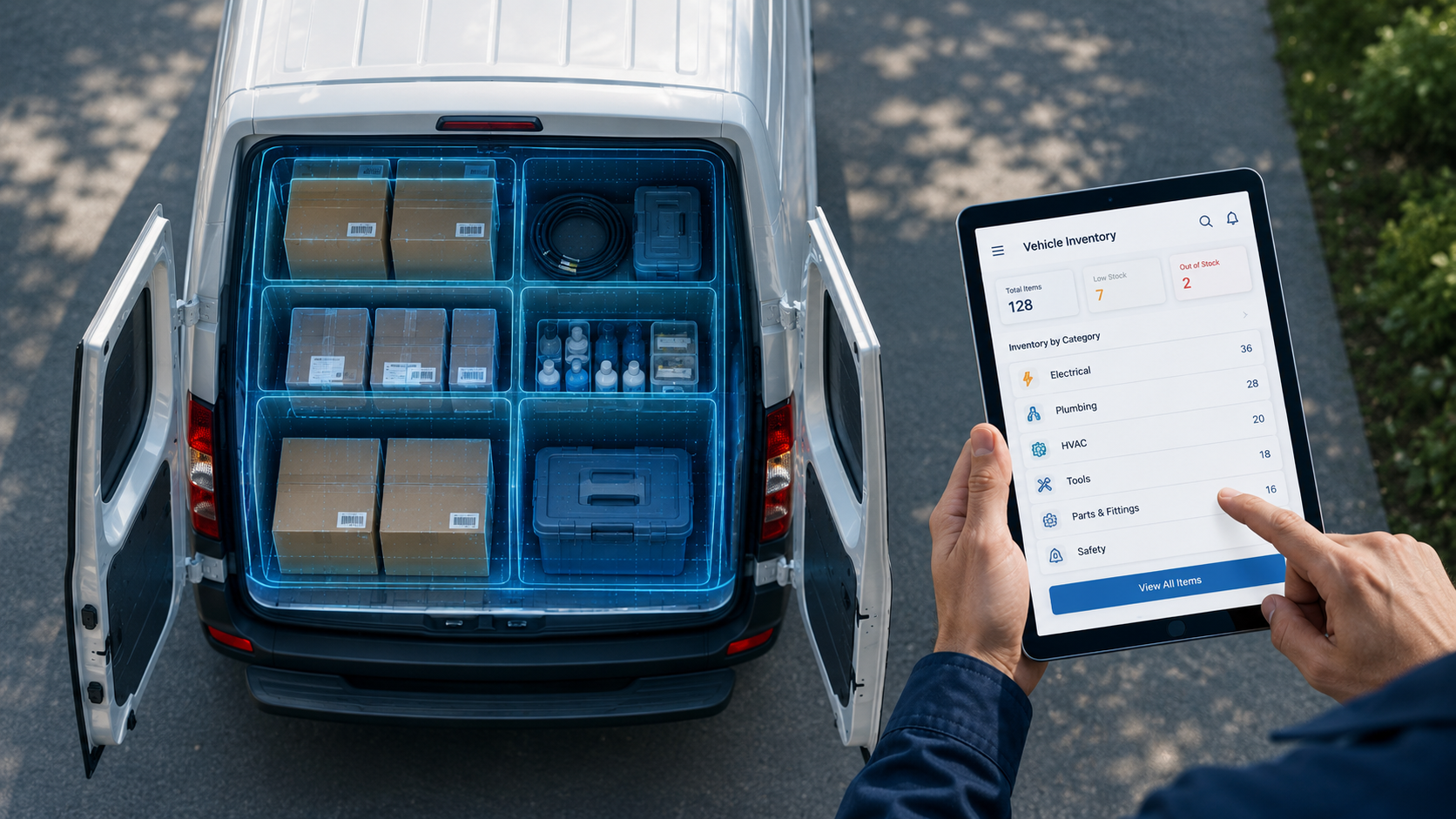
This is where most QuickBooks add-ons fall short. True multi-location tracking treats each warehouse, retail location, and delivery truck as a separate inventory pool. In simple terms, you can see exactly what's on Truck 3 before it leaves the depot, not just what's “somewhere in the system.”
Mobile access and barcode scanning
Warehouse staff and drivers can scan items during receiving, picking, and delivery. Scanning pushes inventory accuracy above 99.5%, eliminates manual counts, reduces misloads, and gives the back office real-time visibility into what's happening in the field.
Automated reordering and stock alerts
Automated reorder points trigger alerts or purchase orders when stock hits a preset threshold. Instead of manually checking levels, the system flags what requires attention before you run out.
Order management tools
Integrated order management combines sales orders, returns, and invoicing into one workflow. Orders flow directly from sales to fulfillment without someone copying data between screens.
Warehouse pick pack and load
Pick-pack-load covers the standard fulfillment workflow: scanning items from the shelf, packing them for the route, and loading them onto the correct truck. Scan verification at each step cuts pick error rates to under 0.1%, ensuring the right product gets on the right truck every time.
Why connect your inventory software to QuickBooks
Integration creates a single source of truth for both your stock and your financials. When inventory and accounting systems talk to each other, you eliminate the gaps that cause errors and delays.
Eliminate duplicate data entry
Without integration, someone is copying order details, inventory adjustments, or invoice data between systems. That takes time and introduces errors. Integration removes that step entirely.
Simplify financial reporting
Inventory values, Cost of Goods Sold, and sales data sync to QuickBooks automatically. Your Profit & Loss statement reflects actual operations without manual reconciliation.
Improve cash flow visibility
Real-time stock value and open orders appear directly in your accounting system. You can see what's tied up in inventory and what's moving, which helps with purchasing decisions and cash planning.
Make faster operational decisions
When sales, warehouse, and finance teams all see the same current data, decisions happen faster. No one is waiting for yesterday's spreadsheet to figure out what's in stock.
- Accuracy: One set of numbers across inventory and accounting.
- Speed: Updates happen in real time, not overnight.
- Confidence: Your books match what's actually on your shelves and trucks.
Which Industries Benefit Most from QuickBooks Inventory Integration
While any product-based business can benefit, certain industries see outsized gains from connecting inventory software to QuickBooks.
Wholesale and Distribution
High-volume orders across multiple warehouses require real-time stock visibility. Without it, teams are constantly chasing stockouts and fulfillment delays.
Food and Beverage Distribution
Lot tracking, expiration management, and tight delivery windows make accurate inventory critical. Compliance requirements add another layer of complexity that basic tools can't handle.
Bread Bakery and Perishables
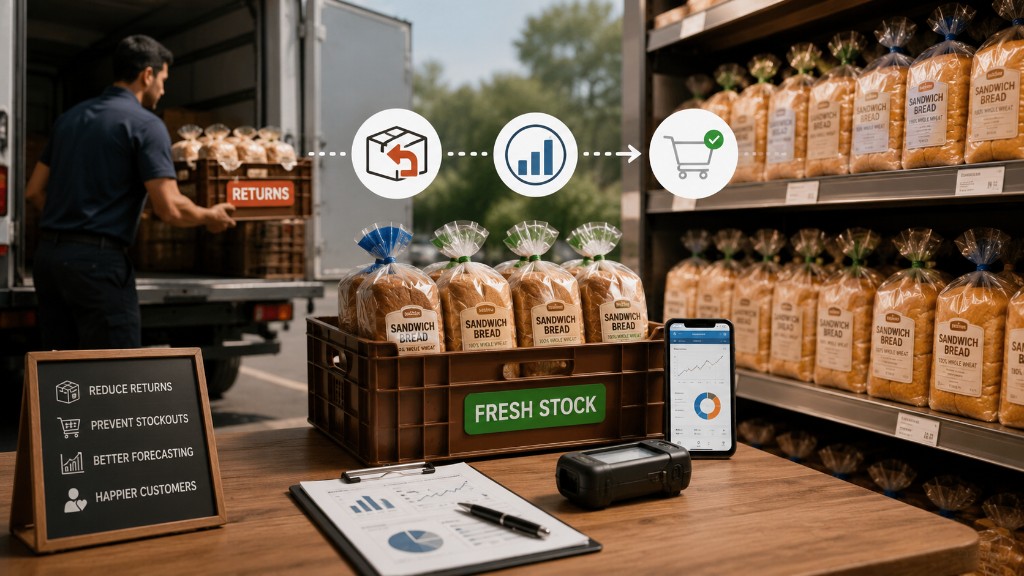
Short shelf life means precise timing from production to route delivery. Returns of unsold goods flow back into inventory, and without accurate tracking, you're flying blind on waste.
Manufacturing and Assembly
Bills of materials, work orders, and raw material tracking all depend on accurate inventory data. Integration keeps production planning aligned with actual stock levels.
How inventory management software handles trucks and warehouses
Advanced systems treat trucks as mobile warehouses. In simple terms, each truck is a separate inventory location that updates in real time as items move on and off.
The workflow typically follows this sequence:
- Goods receipt: Items are scanned as they arrive and added to warehouse stock.
- Pick and pack: Items are scanned from shelves as they're picked for each route load.
- Truck load: Picked inventory is scanned and assigned to a specific truck.
- Delivery: Items are scanned off the truck at each customer stop.
- Returns: Unsold or returned items are scanned back onto the truck and into the warehouse.
Each handoff is tracked digitally in real-time, so the back office sees live counts across all locations without waiting for end-of-day paperwork.
Common quickBooks inventory integration challenges
Connecting systems isn't always perfect. Here's what to watch for during implementation.
Data migration and system compatibility
Moving existing inventory data, customer lists, and your chart of accounts takes planning. Confirm compatibility with your specific QuickBooks version before committing to any platform.
Staff training and user adoption
New software means new workflows. Systems with intuitive mobile apps tend to see faster adoption from field and warehouse teams. The simpler the interface, the quicker your team gets up to speed.
Sync delays and error handling
Some integrations sync hourly or daily, not in real time. Clear error logs and alerts help you catch sync failures before they cause problems downstream.
How to choose the right inventory management software for QuickBooks
The best fit depends on your operation type, growth trajectory, and integration requirements.
1. Assess your current inventory process
Start by documenting your pain points. Are you dealing with manual counts, spreadsheet errors, misloads, or stockouts? Understanding where you're losing time helps you prioritize features.
2. Define your QuickBooks integration requirements
Confirm which QuickBooks version you use and determine your required sync frequency. Real-time sync matters more for high-volume operations than for businesses processing a handful of orders per day.
3. Plan for business growth
Consider future requirements. Will you add locations, trucks, users, or sales channels? Choose a system that scales without requiring a platform switch later.
4. Calculate total cost of ownership
Look beyond the subscription fee. Implementation, training, hardware, and support all factor into the real cost.
- Does it sync with your QuickBooks version?
- Does it track inventory on trucks, not just warehouses?
- Does it include mobile access for field teams?
- Does pricing include support and upgrades?
- Can you go live in weeks, not months?
Are you ready to run inventory orders and accounting in one system?
Request a Demo