How to Choose Warehouse Management Software in 2026: A Data-Driven Guide
Last quarter, a regional distributor watched their order volumes double. But at the same time their fulfillment accuracy dropped to 91%. This was due to a patchwork of spreadsheets, disconnected systems, and the warehouse staff juggling five different tools just to ship one order.
They're not alone. According to a 2024 supply chain benchmarking study, 52% of warehouses still rely primarily on manual processes or outdated systems, even as customer expectations for same-day delivery and real-time tracking continue to rise.
The good news is that modern warehouse management software has evolved. The real challenge is cutting through the noise to find a system that actually fits your operation and not just a feature list that looks good in a sales deck. In this guide, we'll break down what a WMS is, what really matters when evaluating options, and how solutions like bMobileRoute help growing businesses modernize warehouse operations without unnecessary complexity.
What is a Warehouse Management Software?
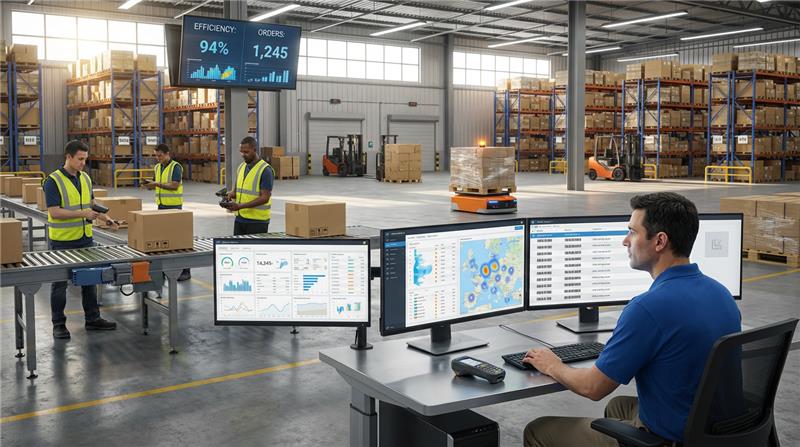
A warehouse management system (WMS) is software that orchestrates everything that happens inside the four walls of your warehouse: receiving inventory, putaway, picking, packing, shipping, and cycle counting. Think of it as the operational brain that connects your inventory, orders, people, and space.
But not every business needs enterprise-grade warehouse management software. The key is matching your system complexity to your operational reality.
5 Warning Signs That Indicate You Need a WMS
Before diving into features and vendors, ask yourself if you're experiencing these red flags in your warehouse:
- Inventory accuracy below 95%: If your physical counts rarely match your system, that's not a people problem—it's a visibility problem.
- Picking times increasing as SKUs grow: When adding products means proportionally slower fulfillment, your location strategy needs digital support.
- You can't answer 'where is this order?' in under 30 seconds: Real-time visibility should be standard, not aspirational.
- Warehouse staff spend more time on paperwork than fulfillment: Manual data entry is the enemy of throughput.
- Training new warehouse workers takes more than 2 weeks: If your processes require that much institutional knowledge, they're too fragile to scale.
These are system-level issues often mistaken for operational challenges. If any of these sound familiar, it is time for you to implement a WMS (or upgrade the one you already have). A WMS won't fix poor leadership or terrible warehouse layouts, but it will eliminate the friction caused by information gaps and manual processes.
WMS vs Spreadsheets vs ERP Inventory Modules
| Capability | Spreadsheets | ERP (without WMS) | ERP with Dedicated WMS |
|---|---|---|---|
| Real-time inventory | ❌ Manual batch updates | ⚠️ System-level visibility | ✅ Real-time visibility |
| Barcode workflows | ❌ Manual or workaround-based | ⚠️ Basic support, limited workflows | ✅ Native, task-driven workflows |
| Mobile execution | ⚠️ Not suited | ⚠️ Not warehouse optimized | ✅ Optimized for multiple operations |
| High volume operations | ❌ Not sustainable | ⚠️ Only transactionally capable | ✅ Designed to scale with volume |
| User training & adoption | ⚠️ Inconsistent | ⚠️ Process heavy | ✅ Few days |
Note: Although ERP inventory modules are designed for financial accuracy, they can't improve your warehouse efficiency on their own. Which is why you need a dedicated WMS.
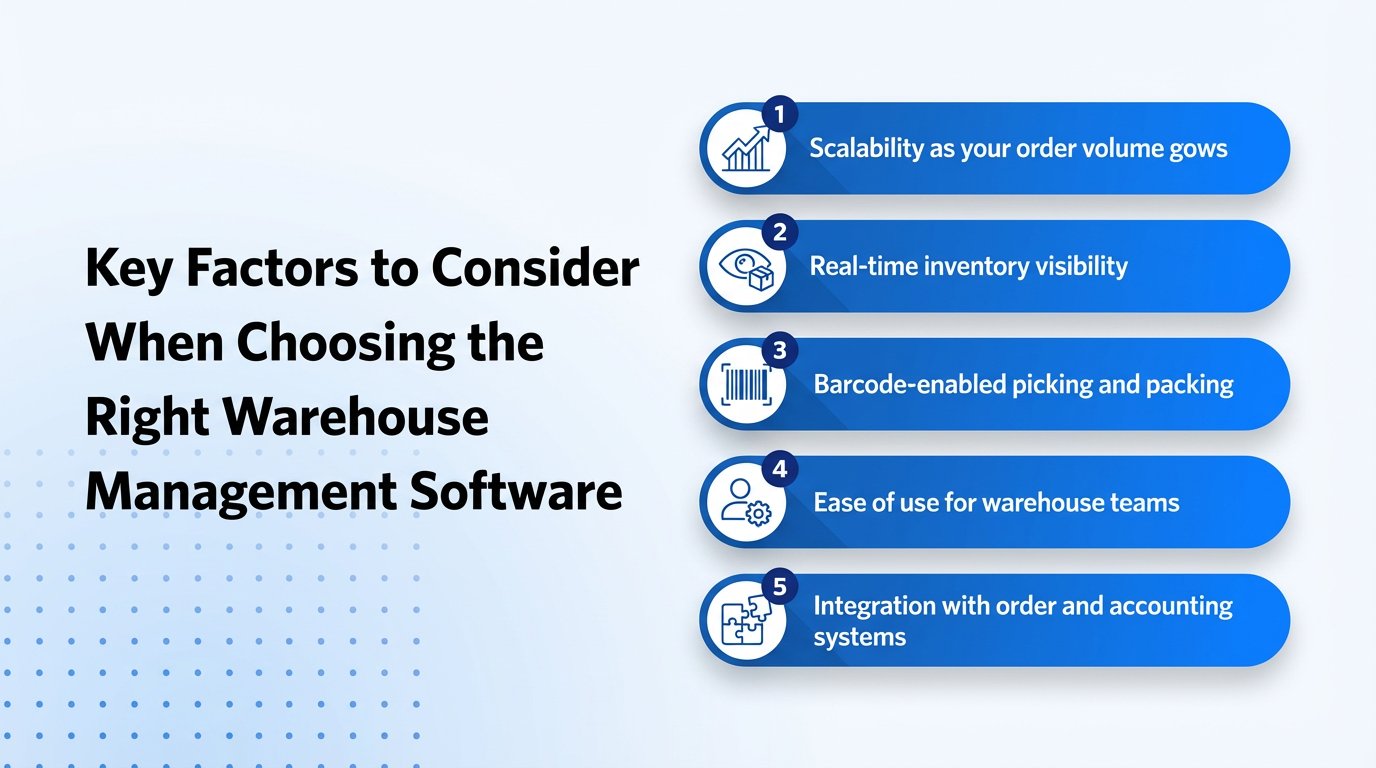
The 7 Non-Negotiable Factors When Choosing Warehouse Management Software
After analyzing hundreds of WMS implementations, these are the factors that separate successful deployments from expensive regrets:
| Factor | What to Verify | Common Mistake |
|---|---|---|
| Scalability | Handles 10× SKUs, multi-location, predictable pricing | Choosing a system that needs upgrades as volume grows |
| Real-Time Inventory | Instant bin-level updates | Accepting "near real-time" batch syncing |
| Mobile Execution | All workflows on smartphones | Desktop-first systems with clunky mobile add-ons |
| Barcode Workflows | Native scanning, batch receiving, lot/serial tracking | Barcode as a paid add-on |
| Integrations | Pre-built OMS, accounting, carrier connectors | Expensive custom API projects |
| User Adoption | New hires productive in hours | Ignoring warehouse staff input |
| Vendor Support | Fast SLAs, references, <90-day go-live | Cheap software with poor support |
Warehouse Management Industry-Specific Considerations
1. For Distribution Companies
Distribution operations need speed and accuracy in equal measure. High order volumes, tight delivery windows, and customer-specific requirements create unique demands.
Must-have features:
- Customer-specific pricing and order rules
- Route and delivery workflow integration
- First-in-first-out (FIFO) picking for perishables
- Multi-stop delivery consolidation
- Real-time stock alerts to prevent backorders
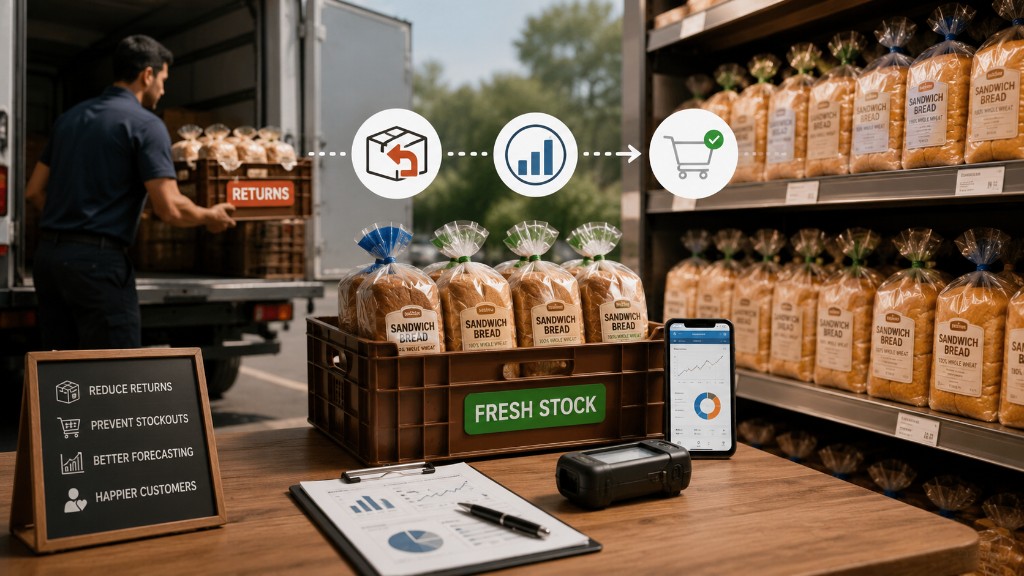
Why it matters: Food and beverage distributors, for example, can't afford expired product reaching customers. FIFO picking and lot tracking aren't optional—they're regulatory requirements and brand protection.
2. For 3PL and Logistics Providers
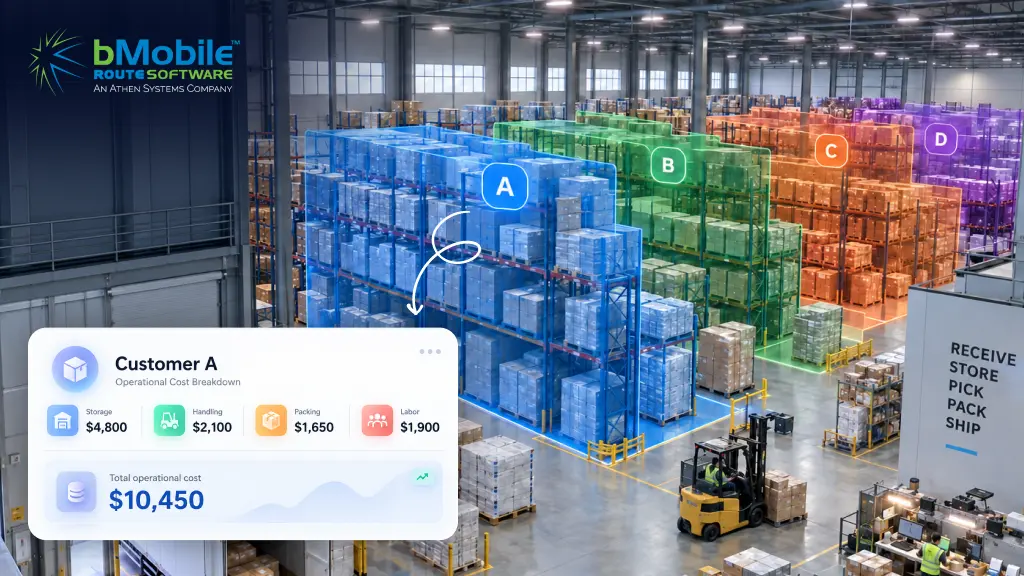
Third-party logistics providers face a different challenge: managing inventory for multiple clients while maintaining strict separation and accuracy.
Critical requirements:
- Multi-tenant architecture with client isolation
- Client-specific reporting and billing
- Flexible workflows that adapt to different client needs
- Automated billing based on storage, orders, or units
- Client portal for visibility into their inventory
Pro tip: If you're a 3PL evaluating WMS options, ask how the system handles onboarding new clients. If it takes more than 2-3 days, you'll lose deals to competitors with a faster turnaround.
What ROI Should You Expect?
A properly implemented WMS should deliver measurable returns within 12-18 months.
Typical ROI metrics (after 1 year):
- Inventory accuracy: Improvement from 85-90% to 97-99%
- Pick efficiency: 20-30% faster picking rates due to optimized routing
- Order accuracy: Reduction in picking errors from 3-5% to under 1%
- Labor costs: 15-25% reduction through workflow optimization
- Space utilization: 10-20% better use of existing warehouse space
Your WMS Evaluation Checklist
Use this checklist when evaluating warehouse management software.
CORE FUNCTIONALITY:
- Real-time inventory tracking at the bin/location level
- Barcode scanning for receiving, putaway, picking, and packing
- Mobile-optimized interface (test on actual devices)
- Configurable picking workflows (batch, wave, zone)
- Cycle counting and inventory adjustment capabilities
- Reporting on inventory accuracy, pick rates, and order fulfillment
SCALABILITY & GROWTH:
- Handles 10x current SKU count without performance issues
- Supports multi-location operations
- Pricing scales reasonably with growth (no sudden tier jumps)
- Cloud-based with automatic updates (no manual upgrade projects)
INTEGRATION & ECOSYSTEM:
- Pre-built connectors for your order management system
- Integrates with your accounting/ERP platform
- Connects to major shipping carriers
- API available for custom integrations
USABILITY & ADOPTION:
- Warehouse supervisor understands interface after 30-minute demo
- Training materials include videos, not just documentation
- System can be configured to match existing workflows
- Error messages are clear and actionable
VENDOR & SUPPORT:
- References provided from similar operations (size, industry)
- Average implementation time under 90 days
- Support included (not an expensive add-on)
- Company has been in business 3+ years (unless startup with strong backing)
- Regular product updates and feature releases
How bMobileRoute Simplifies WMS
For Growing Distributors
Throughout this guide, we've referenced best practices for warehouse management software. bMobileRoute WMS was built specifically to deliver these capabilities for distributors and delivery-focused businesses without enterprise complexity or cost.
What makes bMobileRoute different:
- Built for distribution workflows: Designed from the ground up for how distributors actually work.
- Connects warehouse to delivery: Seamless integration between inventory, order fulfillment, and route management (critical for distribution operations).
- Mobile-first by design: Every workflow is optimized for handheld devices.
- Fast implementation: Most customers are live in 4-6 weeks without the requirement of any lengthy consulting projects.
- Transparent pricing: No hidden implementation fees, no per-transaction costs, no surprise upgrades. You pay for what you use.
Ideal for: Food and beverage distributors, consumer goods distributors, route-based delivery businesses, and SMBs leasing 3PL warehouse space.
For Growing 3PL Warehouses
Throughout this guide, we've referenced best practices for warehouse management software. bMobileRoute WMS was built specifically to deliver these capabilities for 3PL operations without enterprise complexity or cost.
What makes bMobileRoute different:
- Built for 3PL workflows: Designed from the ground up for multi-client inventory management, flexible billing, and client-specific requirements.
- Scalable operations: Seamlessly manage multiple clients, SKUs, and storage configurations from a single platform—critical for 3PL growth.
- Mobile-first by design: Every workflow is optimized for handheld devices, not desktop computers with mobile afterthoughts.
- Fast implementation: Most customers are live in 4-6 weeks, not months. No lengthy consulting projects required.
- Transparent pricing: No hidden implementation fees, no per-transaction costs, no surprise upgrades. What you see is what you pay.
Ideal for: Regional 3PL warehouses, multi-client fulfillment centers, contract logistics providers, and growing warehouse operations handling 100-5,000 orders per day across multiple clients.
Ready to see how bMobileRoute fits your operation?
Book a DemoConclusion: Choose Software That Works for You
The right warehouse management software doesn't announce itself with the longest feature list or the slickest demo. It reveals itself through reference calls, trial periods, and honest conversations about limitations.
Start with your operational reality, not a vendor's vision. If you ship 200 orders a day from a single location, you don't need software built for Amazon-scale operations. If you're managing multiple client inventories as a 3PL, consumer-grade tools will break under the complexity.
The best WMS decision is the one that:
- Matches your current scale while supporting reasonable growth
- Adapts to your workflows instead of forcing process changes
- Gets your team productive in days, not months
- Delivers measurable ROI within the first year
- Comes from a vendor invested in your success, not just closing deals
If you've made it this far, you're serious about making the right choice. That diligence will pay off. Take your time, involve your team, ask hard questions, and trust your operational instincts.
Your warehouse is too important to get this wrong.