It’s 7 a.m. and your first delivery truck just pulled out. Three customers have already called about order changes. A driver is texting about a discrepancy on yesterday’s invoice. And somewhere in the office, someone is manually re-entering data from the warehouse into the accounting system.
If this sounds familiar, you’re not running into an order management problem. You are experiencing a disconnected systems problem.
Order management systems have evolved far beyond simple order tracking tools. For distribution businesses in 2026, a modern OMS is the operational backbone that connects your warehouse, your drivers, your customers, and your finance team into a single, real-time picture. When it works well, your whole operation runs with less friction. When it's absent, or when it's the wrong system for distribution, the day is a constant game of catch-up.
This guide covers the seven features that matter most for wholesale distributors, DSD operators, and route-based businesses evaluating or upgrading their order management software.
1. Real-time inventory visibility across your entire operation
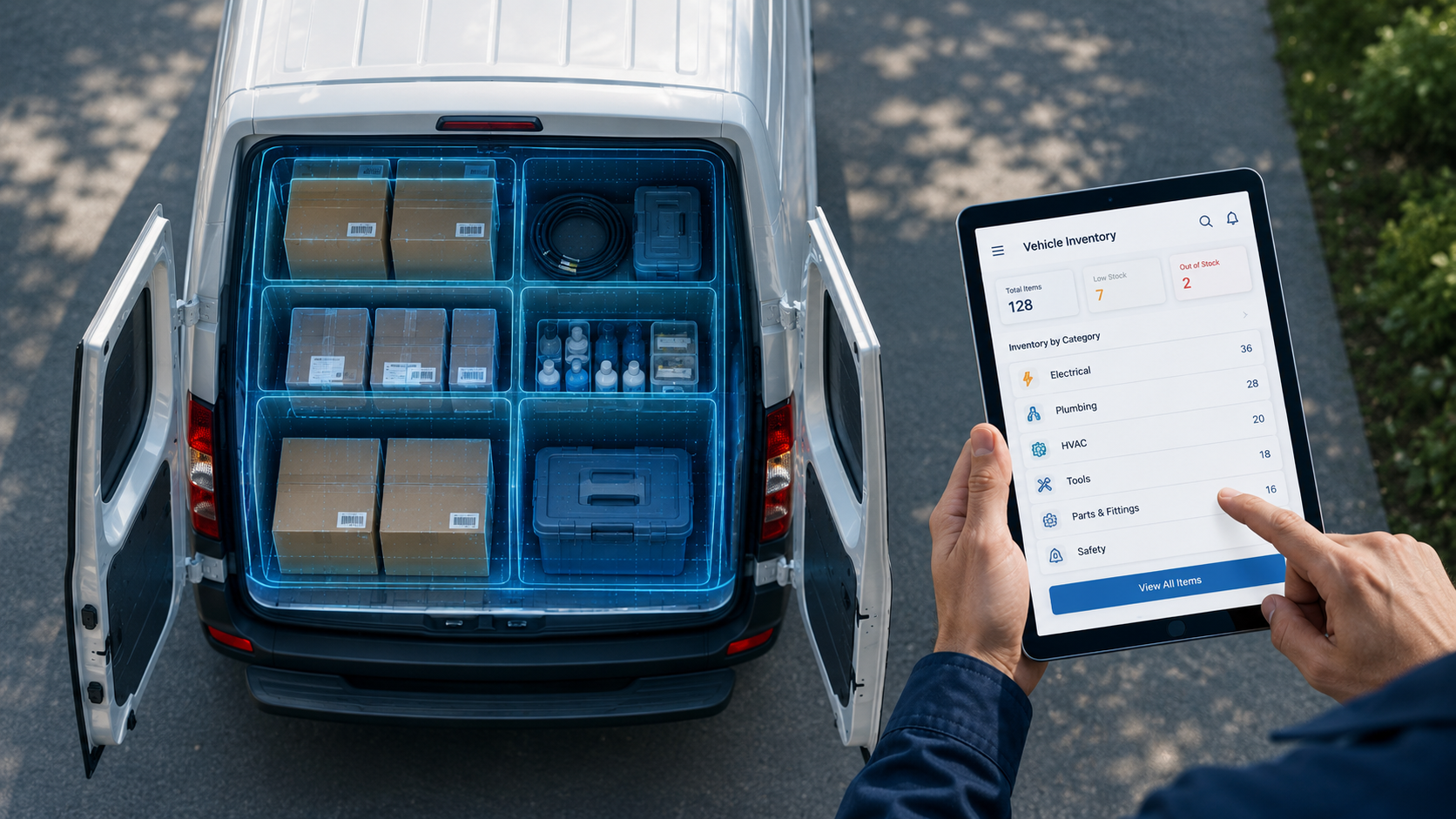
OMS feature for distributors: live stock across warehouse, routes, and locations
Imagine knowing exactly what's in your warehouse, on each truck, and at every depot, anytime, without making a phone call or waiting for an end-of-day report.
For distributors, real-time inventory visibility isn't a luxury. It's the difference between fulfilling an order confidently and sending a driver out with the wrong stock.
A real-time OMS integrates directly with your warehouse locations and delivery vehicles, updating stock levels as sales happen, returns are recorded, and transfers are made. When a driver sells a case of product at stop 12, the office sees it instantly. When stock runs low at a depot, the system flags it before a stockout happens.
What to look for in this feature:
- Live sync between warehouse, truck inventory, and back office
- Automatic low-stock alerts by location or route
- Full audit trail of every stock movement
- AI-demand forecasting to predict restocking needs before shortages occur
2. Streamlined B2B order fulfillment for distributors
OMS feature: Handle bulk orders, varied pricing, and complex delivery schedules
B2B distribution is not the same as retail order management. Your customers are the businesses; they place bulk orders, negotiate individual pricing, have specific delivery windows, and expect consistent service without having to re-explain their preferences every time.
A generic OMS built for eCommerce or retail will struggle with the complexity of wholesale distribution. You need a system that handles:
- Bulk order processing across multiple SKUs and categories
- Customer-specific pricing, discounts, and contract terms
- Flexible delivery scheduling including standing orders and day-of-week patterns
- Partial shipment handling when full orders can't be fulfilled in one delivery
- Order change management for last-minute adjustments by drivers or customers
When your OMS handles all of this automatically, your drivers spend less time sorting out pricing disputes at the shelf, and your office spends less time fielding correction calls.
3. Advanced reporting and analytics built for distribution
OMS feature: Dashboards that show what's actually happening on your routes
The right OMS doesn't collect numbers just to sit on it. It translates them into decisions your team can act on today.
For distribution businesses, the reports that matter most are not the ones that tell you what happened last quarter. They're the ones that tell you what's happening right now; which routes are running late, which products are moving fastest, which accounts are trending toward reduced orders, and where your margin is quietly eroding.
The reports distributors rely on most:
- Route performance: on-time delivery rates, stops per driver, miles per delivery
- Product movement: fast vs. slow SKUs by account and territory
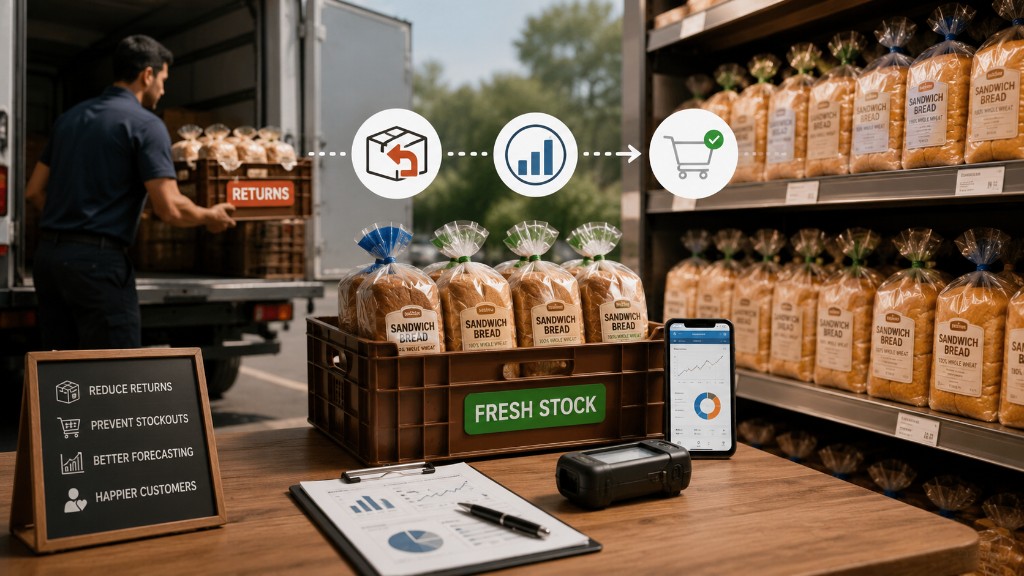
- Return and stale tracking: reasons, frequency, patterns by store and product
- Driver productivity: stops completed, average stop time, variance from plan
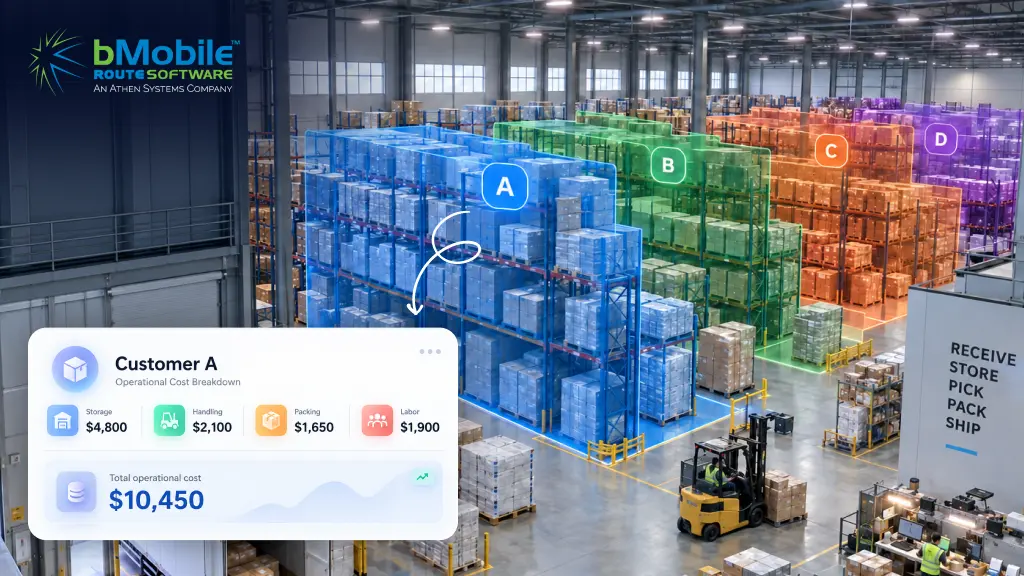
- Profitability by route, account, or product category
4. Seamless integration with ERP, Accounting, and Warehouse systems
OMS integration: Connect to QuickBooks, NetSuite, EDI, and DEX
Your OMS is only as useful as the systems it talks to. A distribution business typically runs at least three or four separate platforms (accounting, warehouse management, CRM, and route management). When these are not connected, data has to be re-entered manually, which leads to increased errors which your team wastes hours fixing.
The integration capabilities that matter most for distribution OMS:
- ERP integration: sync orders, inventory, and fulfillment data automatically
- Accounting integration: QuickBooks, NetSuite, Denali Web, making payments and invoices sync without double entry
- EDI integration: connect directly to retail partners and large account portals
- DEX integration: for distributors serving retail chains that use electronic data exchange at the shelf
- Warehouse management: inventory adjustments, picks, and transfers reflect in the OMS instantly
- Open API: flexibility to connect to any system your business requires
5. Scalability and cloud accessibility for growing distribution businesses
Cloud-based OMS: Grow without system overhauls or IT infrastructure upgrades
A distribution business that's growing is constantly adding routes, drivers, depots, and SKUs. The OMS you choose today needs to handle that growth without requiring a complete system replacement in 18 months.
Cloud-based OMS platforms are the default choice for distribution businesses scaling beyond a single location. They provide:
- Anywhere, anytime access for office teams, managers, and field supervisors
- Automatic software updates without IT infrastructure management
- Multi-location and multi-depot support from a single platform
- Lower upfront cost compared to on-premises server installations
- Offline capability for drivers in areas with poor mobile signal
The offline capability point is particularly important for distribution. Early morning routes, rural stops, and steel-roofed warehouses regularly cause connectivity issues. A cloud OMS with a strong offline mode keeps drivers working without interruption and syncs everything automatically when the signal returns.
6. Mobile invoicing, payments, and customer communication
Mobile OMS for distribution drivers: Invoice, sign, and collect at every stop
Paper invoices slow everything down. They get lost, smudged, disputed, and filed in someone's glovebox. For a distribution business running 20, 30, or 50 stops a day, the cumulative cost of paper-based invoicing is significant (in time, errors, and delayed cash flow).
A mobile OMS gives drivers the tools to complete every stop cleanly:
- View order history and standing orders before arriving at each stop
- Adjust orders at the shelf based on actual shelf conditions
- Generate and send digital invoices before leaving the parking lot
- Capture digital signatures as proof of delivery
- Accept cash, check, or electronic payment on the spot
- Record returns and damaged goods instantly with reasons and photos
7. Automation and AI That Work for Distribution
OMS Automation for Distributors: Reduce Errors and Free Your Team
Automation in an OMS isn't about replacing your team. It's about removing the repetitive, error-prone manual work that consumes hours every day and adds no value to your customers or your margins.
For distribution businesses, the automation capabilities that deliver the most tangible return are:
- Automatic order generation from standing order templates and day-of-week patterns
- Dynamic pricing rules applied automatically per customer, promotion, or territory
- Returns and credit processing triggered automatically when drivers record a return
- Low-stock alerts and purchase order suggestions based on real consumption rates
- Route planning that calculates optimal sequences based on time windows, capacity, and traffic
- Reporting that generates automatically on a schedule without manual data pulls
The distribution OMS difference: Why generic software falls short
Most order management systems on the market were built for retail, eCommerce, or manufacturing. They handle order entry and invoicing reasonably well. But they weren't designed for a distribution business running 30 routes, managing 500 SKUs, dealing with perishable product rotations, and collecting payments at the curb.
The seven features above aren't a wishlist. They're the capabilities that separate a distribution-ready OMS from a generic order tracking tool. When all seven are in place and connected, the result is an operation where:
- Drivers start each day with clear, optimised routes and pre-loaded order recommendations
- The office sees real-time sales, returns, and inventory without waiting for end-of-day reports
- Customers receive consistent, on-time delivery and instant digital invoices
- Management makes decisions from live data rather than yesterday's spreadsheet
- Growth happens by adding routes and accounts
The difference between an OMS and a WMS
A common question from distributors is, "Do I need an OMS, a WMS, or both?"
| Order Management System (OMS) | Warehouse Management System (WMS) | |
|---|---|---|
| Primary focus | Orders, customers, fulfillment | Warehouse ops, storage, picking |
| Who uses it | Sales, drivers, customer service | Warehouse staff, logistics managers |
| Delivery mgmt | ✔ central capability | Limited — not primary focus |
| Customer invoicing | ✔ central capability | Not typically included |
| Route planning | ✔ in distribution OMS | Not typically included |
| Warehouse Automation | ✔ Full OMS capabilities | ✔ WMS capabilities also available |
How to choose an order management system (OMS) for your distribution business
Not every OMS is built for route-based distribution. When evaluating options, prioritise these criteria:
- Distribution-specific: Does it handle standing orders, route-level inventory, and mobile invoicing natively?
- Integration depth: Does it connect to your accounting system, warehouse platform, and EDI/DEX requirements?
- Mobile capability: Is the driver app genuinely usable during early mornings and in poor conditions?
- Offline functionality: Does it keep working when cell service drops?
- Reporting: Can managers see route performance and product movement without custom development?
- Scalability: Will it handle twice your current route count without a system replacement?
- Implementation speed: Most distribution operations need to be up and running in weeks, not months.
Order management is no longer just order tracking
The distribution businesses that are running cleaner, more profitable operations in 2026 are not working harder than their competitors. They're working with better information, in real time, from a system that connects every part of their operation.
An OMS with the seven features covered in this guide doesn't just reduce errors and save time. It lets you add more stops per driver, get faster cash flow, fewer customer complaints, and also gives you the operational confidence to take on new accounts without worrying about chaos.
If your current system makes you feel like you're always one step behind, it's probably not a people problem. It's a systems problem. And it's solvable.
Ready to see what a distribution-ready OMS looks like in action?
Start Free Trial